

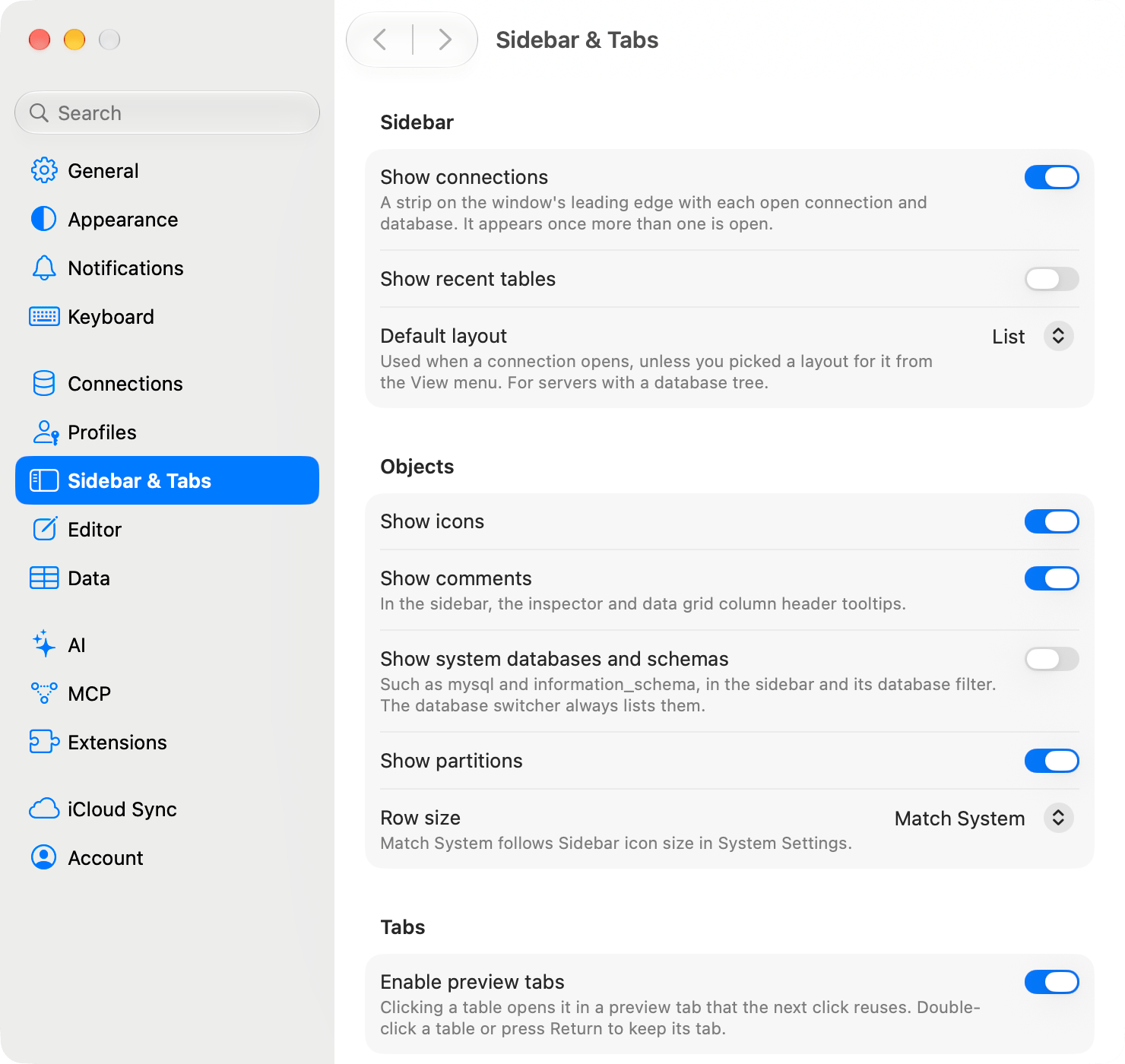
Changes reach every connection window at once, except Default layout, which a connection reads when it opens. Icons, comments, system databases and schemas, partitions, and row size are also under View Options, the button beside the sidebar’s filter field, and right-clicking the empty space below the object list reaches the same options. Both places change the same setting.
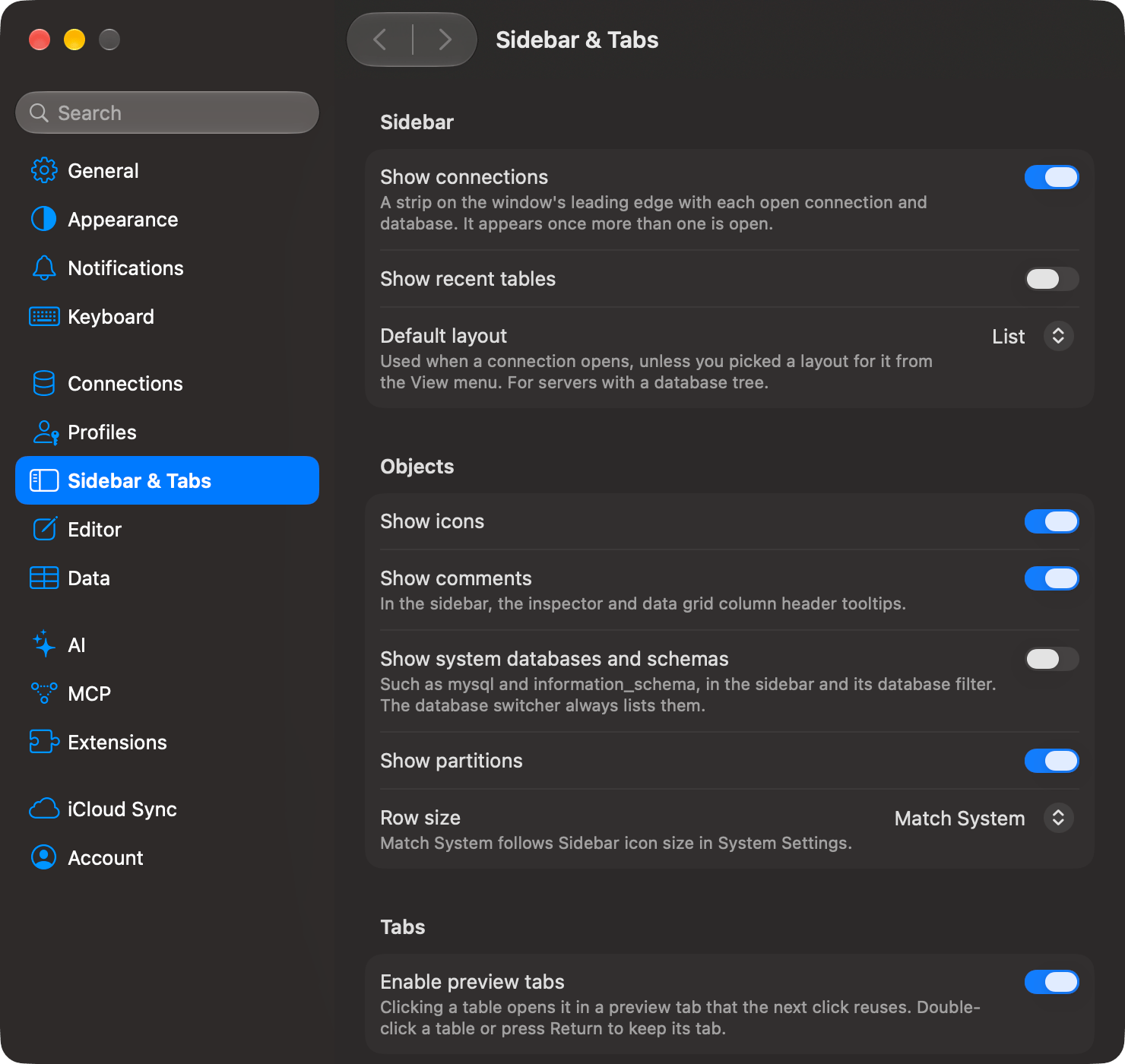
Sidebar & Tabs pane with the Sidebar, Objects and Tabs sectionsSidebar & Tabs pane with the Sidebar, Objects and Tabs sections

Every value at its default

Objects

Tabs

Enable preview tabs is on out of the box. Clicking a table opens it in a preview tab that the next click reuses; double-click a table, or select it and press Return, to keep its tab. When a preview tab turns permanent on its own is under Preview tabs.