iCloud Sync

TablePro syncs your connections, groups, settings, and query history across all your Macs via CloudKit. iCloud Sync is a Pro feature that requires an active license.

What syncs (and what doesn’t)

DataSyncedNotes
ConnectionsYesHost, port, username, database type, SSH/SSL config
PasswordsOptionalOpt-in via iCloud Keychain (end-to-end encrypted)
Groups & TagsYesFull connection organization
App SettingsYesAll 8 categories (General, Appearance, Editor, Data Grid, History, Tabs, Keyboard, AI)
Query HistoryYesConfigurable limit: 100, 500, 1,000, or unlimited
Passwords are not synced by default. Enable Password sync under the Connections toggle to sync passwords via Apple’s iCloud Keychain (end-to-end encrypted). With password sync off, you need to enter the password once on each new Mac.

Enabling iCloud Sync

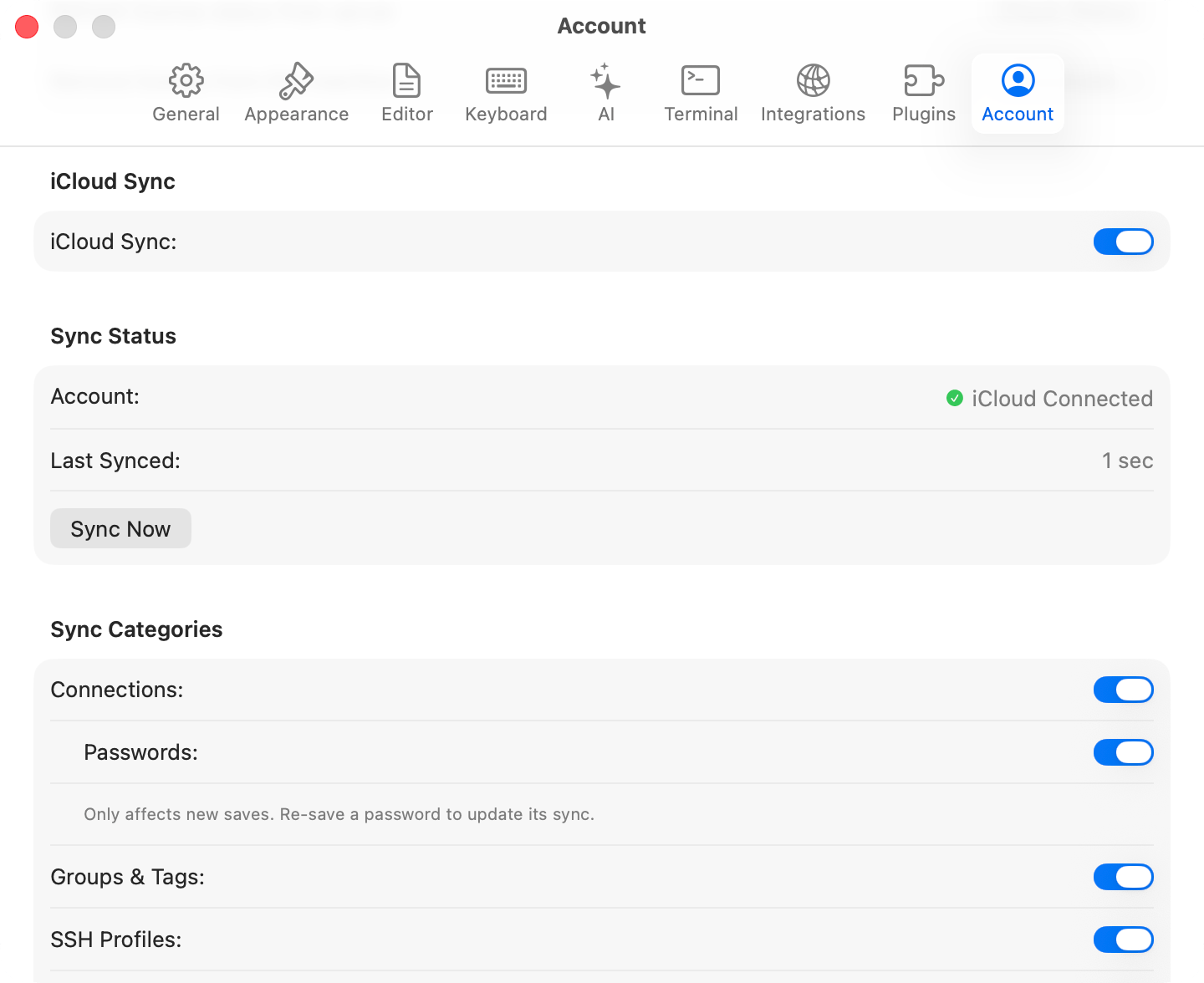
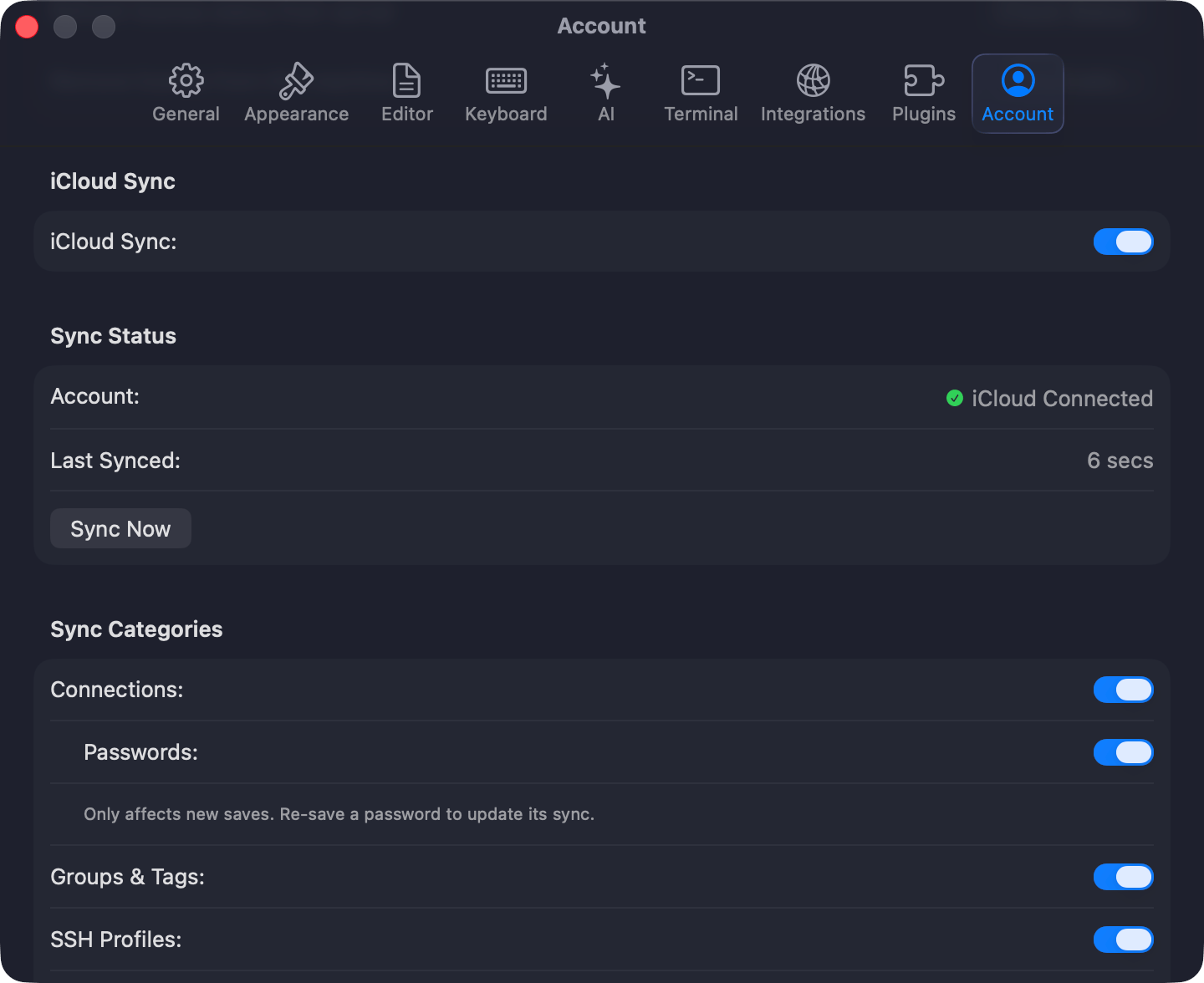
Open Settings (Cmd+,) > Sync, toggle iCloud Sync on, choose which categories to sync, and click Sync Now. Sync is off by default.
iCloud Sync settings
Each data type has its own toggle: Connections, Groups & Tags, App Settings, and Query History (with a configurable limit: 100, 500, 1,000, or unlimited). Enable Passwords to sync credentials via iCloud Keychain (end-to-end encrypted). Off by default. TablePro auto-syncs on app launch, when you switch back to it, and 2 seconds after you modify synced data. Use the Sync Now button to trigger a manual sync. When the same record changes on two Macs, you choose to keep the local or remote version. Conflicts are per-record, not per-category.
Sync conflict resolution
The welcome window footer shows sync status: Synced, Syncing, Error (hover for details), or Off.
Sync status indicator
iCloud Sync requires a Pro license. When a license expires, sync stops but local data remains. Re-activate your license to resume. If no records sync, confirm iCloud is signed in and iCloud Drive is enabled, then click Sync Now. For “iCloud account unavailable,” sign in via System Settings > Apple Account.