

Turn it on
The debugger is a module, off by default. Select Routine Debugger under Modules in Settings > Extensions. That adds:- the Debug menu, between Query and Window
- Debug… on the right-click menu of a function or procedure in the sidebar
- a Debug section in Settings > Keyboard
- Continue and Stop in the toolbar while a debug tab is in front. Step Over, Step Into and Step Out are in View > Customize Toolbar…
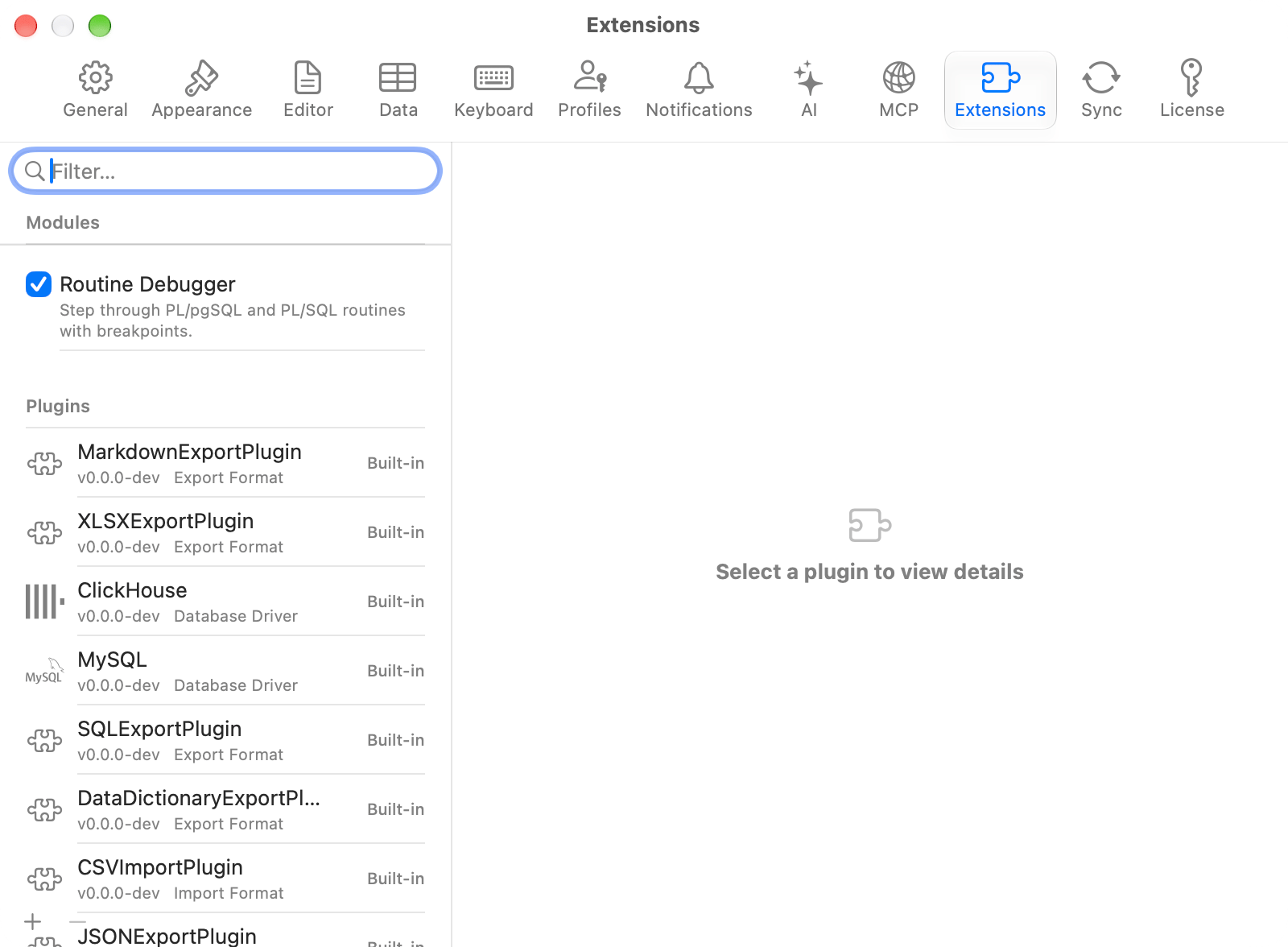
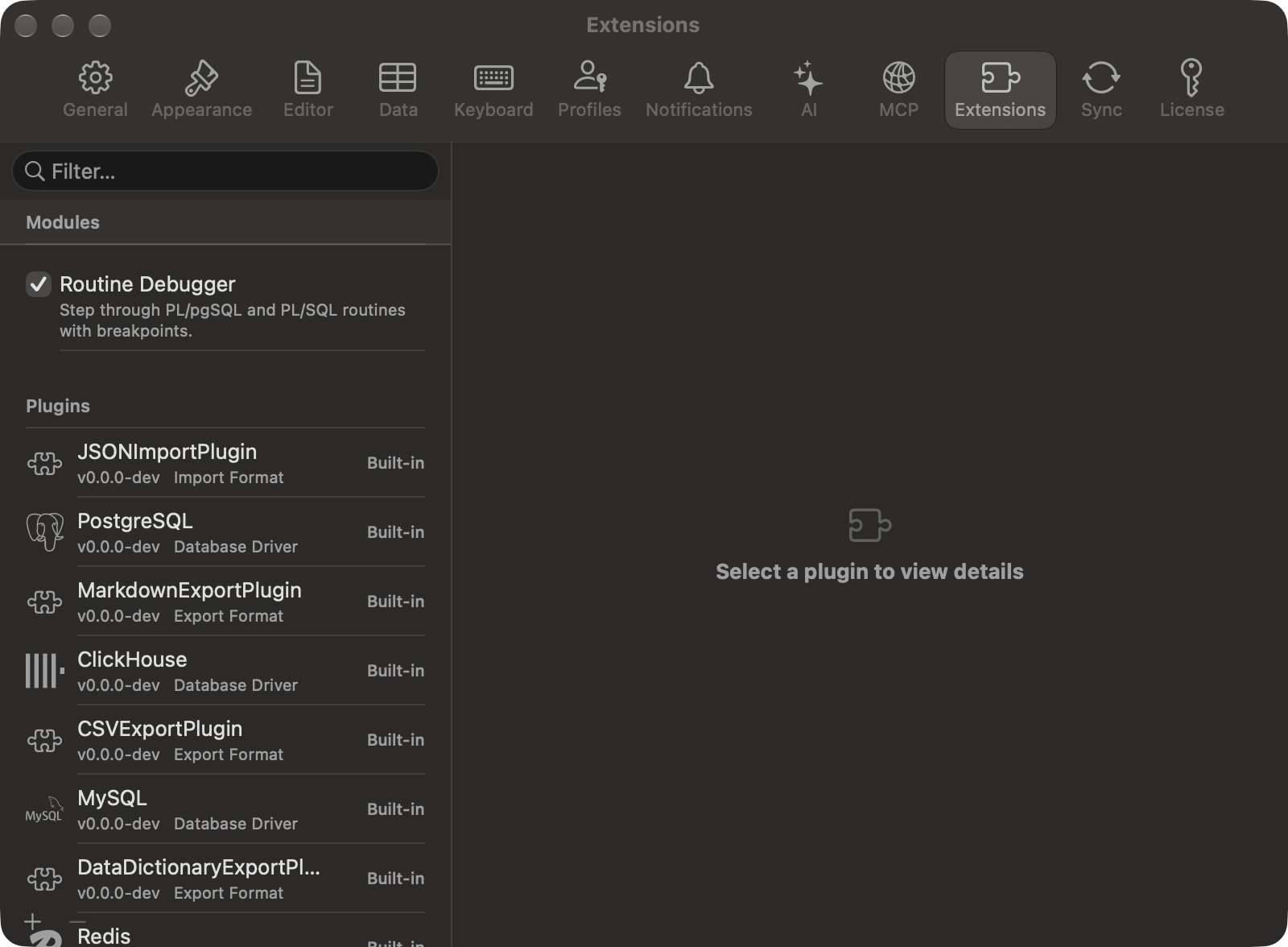
Modules sit above the plugin list
Engine support
Other engines have no debugger, Redshift, CockroachDB and PGlite included.
Start a run
1
Choose the routine
Right-click a function or procedure in the sidebar and choose Debug…. To debug an Oracle package, or to pick from a list, choose Debug > Debug Routine…: it lists what can be debugged in the current schema, with a search field.
2
Fill in the arguments
Each parameter has a row with its name and type. Type a value, or select NULL. Default is selected for every parameter that has a default; deselect it to pass a value instead. An output parameter takes no value. For a package, pick the procedure or function to start from in Entry Point.
3
Click Debug
A debug tab opens, and the routine pauses where it starts: on its first statement on PostgreSQL, on the entry point’s header line on Oracle.
An Oracle package asks for the entry point and the protocol
The debug tab
Paused inside a called function, with the caller one row down the stack
On PostgreSQL the source is the routine’s body without its
CREATE FUNCTION header, so its line numbers are the ones the server’s error messages use. On Oracle, package variables are listed with the rest, a record shows as (A => 21, B => x), a collection as Collection or, under DBMS_DEBUG_JDWP, Collection of 3 elements, and a value the debugger cannot read as Not readable.
The bar between the panes holds the run’s buttons and its status: Paused at line 12 in …, Running…, Finished, Stopped, or the error that ended it. A long status is cut to one line; hold the pointer over it to read all of it.
A debug tab stays in the tab strip whichever database or schema the sidebar shows. It is not restored when TablePro relaunches, and Reopen Closed Tab skips it.
Breakpoints
Click the narrow column left of the line numbers to set a breakpoint, a red circle, and click it again to remove it. Debug > Toggle Breakpoint does the same on the line holding the cursor, and Debug > Remove All Breakpoints clears them.- A breakpoint set while the routine runs takes effect at the next pause.
- PostgreSQL accepts a breakpoint on any line. One on a line with no statement never stops.
- Oracle moves a breakpoint to the next line with code and says so in Output. With no code after it, the breakpoint is removed.
Step through
Each is in the Debug menu and on the bar. Their default keys are under Debug.
How a run ends
Finishing commits what the routine changed. A PostgreSQL procedure’s ownCOMMIT statements commit as they run, and Stop rolls back only what came after the last one. An error in the routine rolls the run back and shows on the bar. Stop rolls it back.
Stop waits at most 3 seconds for the server to end the routine. When it cannot confirm the end, the status says so in place of Stopped:
- On PostgreSQL it reads “The routine couldn’t be stopped on the server.” and names the server process, with the SQL that ends it. See Troubleshooting.
- On Oracle, a routine that Stop cannot reach, such as one running between breakpoints under DBMS_DEBUG, is ended with
ALTER SYSTEM KILL SESSIONwhen your account hasALTER SYSTEM. Without it, the status and Output say the routine is still running and give its SID, SERIAL# and theALTER SYSTEM KILL SESSIONstatement that ends it, naming the instance on RAC. Its uncommitted work rolls back when it ends, and a user withALTER SYSTEMcan kill it sooner.
PostgreSQL setup
1
Install the package on the server
Install pldebugger for the server’s PostgreSQL major version. With the PGDG packages on Debian or Ubuntu, that is
postgresql-17-pldebugger for PostgreSQL 17.2
Create the extension in each database
As a superuser, in every database whose routines you debug:
shared_preload_libraries needs no change. Add plugin_debugger to it and restart the server only if a run fails with “The server couldn’t start the debugger.”
Amazon RDS for PostgreSQL 16 to 19 does not list pldbgapi among its extensions, so routines there cannot be debugged.
Oracle setup
Privileges
The account you connect with needsDEBUG CONNECT SESSION. To debug a routine another schema owns, it also needs DEBUG on that routine, or DEBUG ANY PROCEDURE. A DBA grants them:
Compile for debug
A unit compiled without debug information cannot stop on a breakpoint. Starting a run on one asks to compile it first: Compile for Debug recompiles it withPLSQL_OPTIMIZE_LEVEL=1 and keeps its other settings. Compiling commits. For a package, other sessions using it lose its state, and their next call to it fails once with ORA-04068. Safe Mode treats the compile as a schema change.
Protocol
Leave Protocol on Automatic, the default. It tries DBMS_DEBUG_JDWP and falls back to DBMS_DEBUG when the server cannot reach the Mac: the access control list refuses it, the connection fails or takes more than 15 seconds, no port in the range is free, or the database has no DBMS_DEBUG_JDWP. Output names the protocol in use and the reason for a fallback. Choose DBMS_DEBUG when you know the server cannot reach this Mac, which skips that attempt. DBMS_DEBUG_JDWP never falls back, so a failure stops the run with its reason.
Debugger Host is the address the server uses to reach this Mac. On a direct connection it starts as the address this Mac uses to reach the database, which is
127.0.0.1 when the database runs on this Mac or in a local container. Through an SSH tunnel or a proxy it starts empty. With no host, Automatic uses DBMS_DEBUG and DBMS_DEBUG_JDWP refuses to start.
Debugger Ports takes one port or a range, 4000-4999 by default. A list of ports is refused. TablePro listens on a free port in it and accepts the connection only from the database server’s address. If the macOS firewall is on, allow TablePro to accept incoming connections.
For DBMS_DEBUG_JDWP, a DBA allows the database user to connect to the Mac’s address and port range:
Limitations
- PostgreSQL does not offer routines with polymorphic parameters, such as
anyelement, orrecordparameters: they have no Debug… item and are left out of Debug Routine…. Debug a routine that calls one with concrete types, and step into it. - On PostgreSQL 17 and later, a server-wide
transaction_timeoutends the run when one step or Continue takes longer than the timeout. The run rolls back with “The debugger’s session was interrupted while it waited…”, and the debug sessions’ own setting cannot lift it. A long pause does not count. Turn the server’stransaction_timeoutoff, or raise it above the slowest statement you step across. - PostgreSQL does not list record and row variables.
RAISE NOTICEa field to read it in Output. - Under DBMS_DEBUG, a whole record variable is not listed. DBMS_DEBUG_JDWP lists it with its fields.
Troubleshooting
The PL/pgSQL debugger isn’t installed in “…”.
The server has the pldebugger package, but this database has nopldbgapi extension. Ask a superuser to run CREATE EXTENSION pldbgapi in it.
This server has no PL/pgSQL debugger.
The pldebugger package is not installed on the server. Install it, then create the extension. See PostgreSQL setup.Only the owner of … or a superuser can debug it.
pldebugger debugs a routine only for its owner or a superuser. Connect as one of them.The server couldn’t start the debugger.
The server ran out of the shared memory pldebugger uses. Addplugin_debugger to shared_preload_libraries in postgresql.conf and restart the server.
This routine sets client_min_messages to …, which hides the notice the debugger starts with.
The routine’s ownSET client_min_messages is warning or stricter, so the debugger never hears it start. Remove that SET from the routine to debug it.
This routine sets transaction_timeout to …, which would end it while it waits at a breakpoint.
The routine’s ownSET transaction_timeout would end it during a pause. Remove that SET from the routine to debug it.
The debugger’s session was interrupted while it waited, so the routine was stopped and its uncommitted changes were rolled back.
A cancel reached the debugger’s session, or a step outlasted the server’stransaction_timeout. See Limitations.
The routine couldn’t be stopped on the server.
Stop could not confirm within its time limit that the routine ended, and the server process may still hold its locks. Hold the pointer over the status for the details. When they give a port, run the two statements they name in the same database, passing the number the first one returns to the second:pg_stat_activity.
Debugging needs the DEBUG CONNECT SESSION privilege.
The Oracle account lacks the privilege. A DBA grants it withGRANT DEBUG CONNECT SESSION TO ….
Debugging … needs the DEBUG privilege on it.
The routine belongs to another schema. A DBA grantsDEBUG on it, or DEBUG ANY PROCEDURE.
The database isn’t allowed to connect to TablePro at … (ORA-24247).
The access control list has nojdwp entry for this Mac’s address and port. Under Automatic the line appears in Output and the run continues through DBMS_DEBUG. To use DBMS_DEBUG_JDWP, a DBA adds the entry shown under Protocol.