

Cmd+Option+E); engines with a single variant show a plain button instead.
The plan arrives as a result beside your query results, so going back to the data costs nothing, and pinning it keeps a plan while you try another query. Typing an EXPLAIN statement in the editor and running it opens the same viewer.
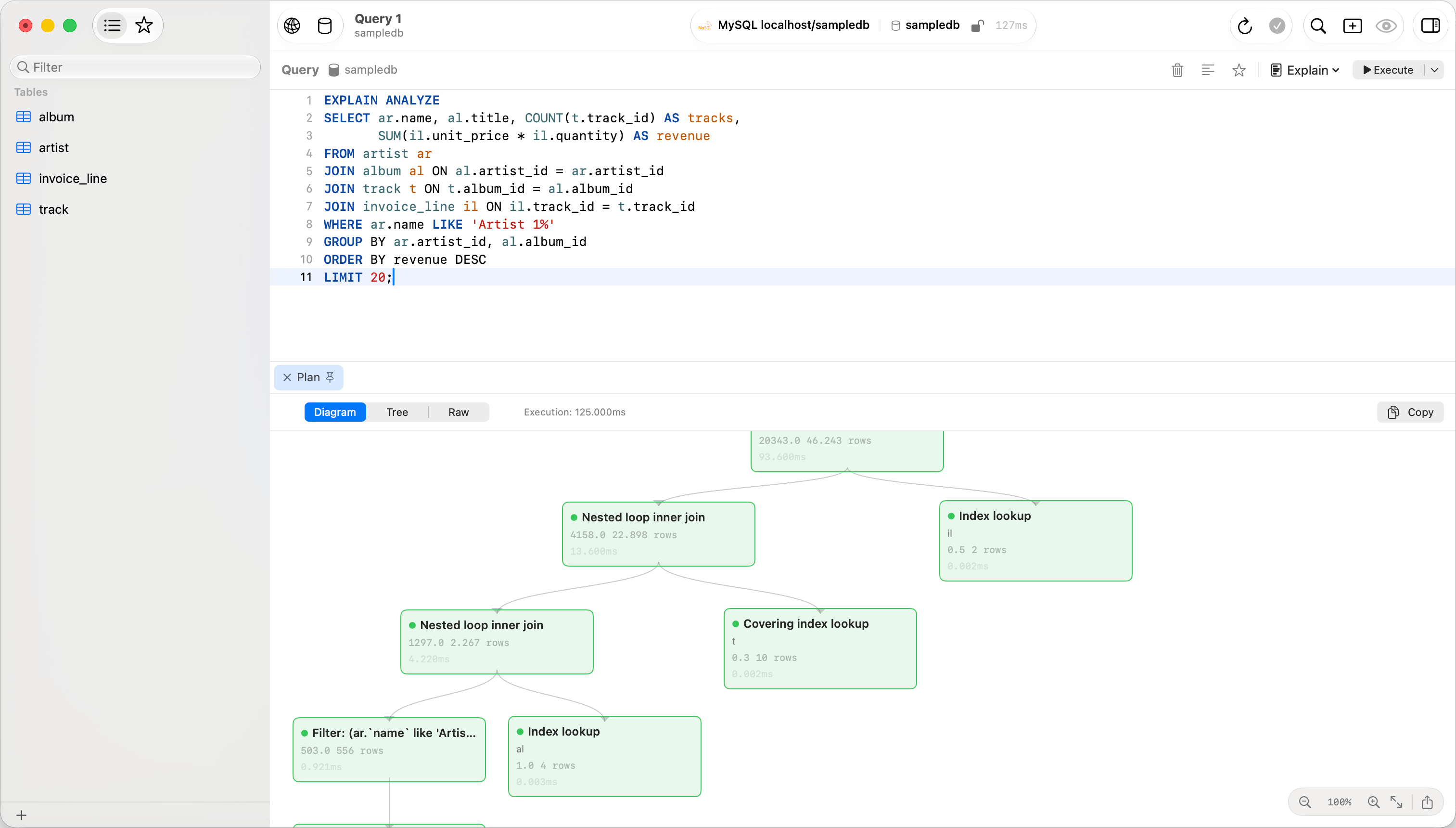
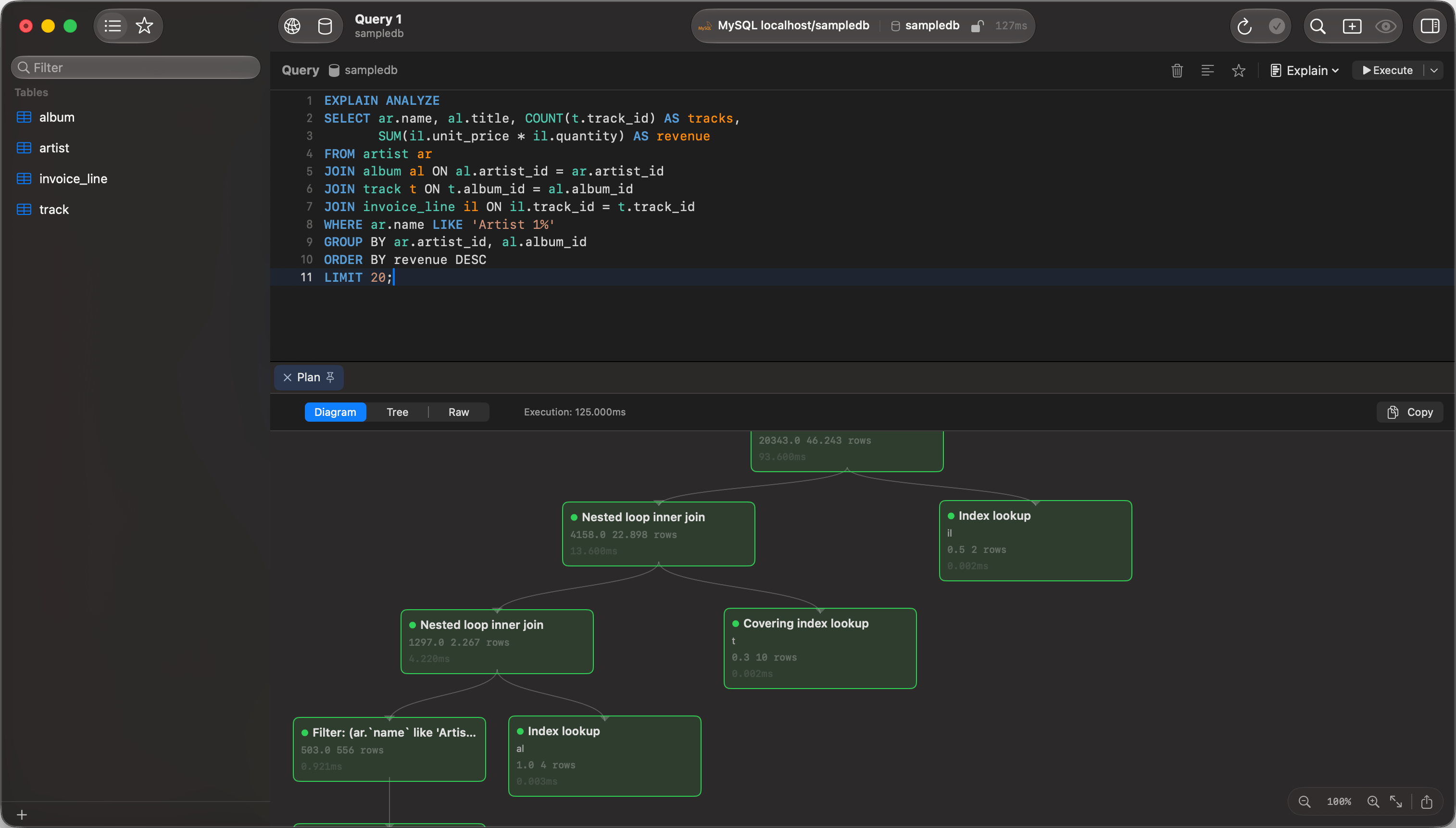
MySQL EXPLAIN ANALYZE diagram
Finding the expensive step
Every node carries a badge for its own share of the plan’s total cost, taken after its children’s cost is subtracted, so it marks where the work sits rather than where it accumulates.
Shape escalates alongside color, so the badge still reads with the system Differentiate Without Color setting on. A plan that reports no cost at all, which is every SQLite, ClickHouse, DuckDB and Dameng plan, carries no badge rather than a green one.
Then compare estimate against measurement. A node whose Rows estimate is orders of magnitude from its Actual Rows is why the planner chose that shape, so refresh the table’s statistics before rewriting the query. On PostgreSQL a Loops value above 1 means the node ran once per row of its parent, which makes Actual Time the per-loop figure rather than the total.
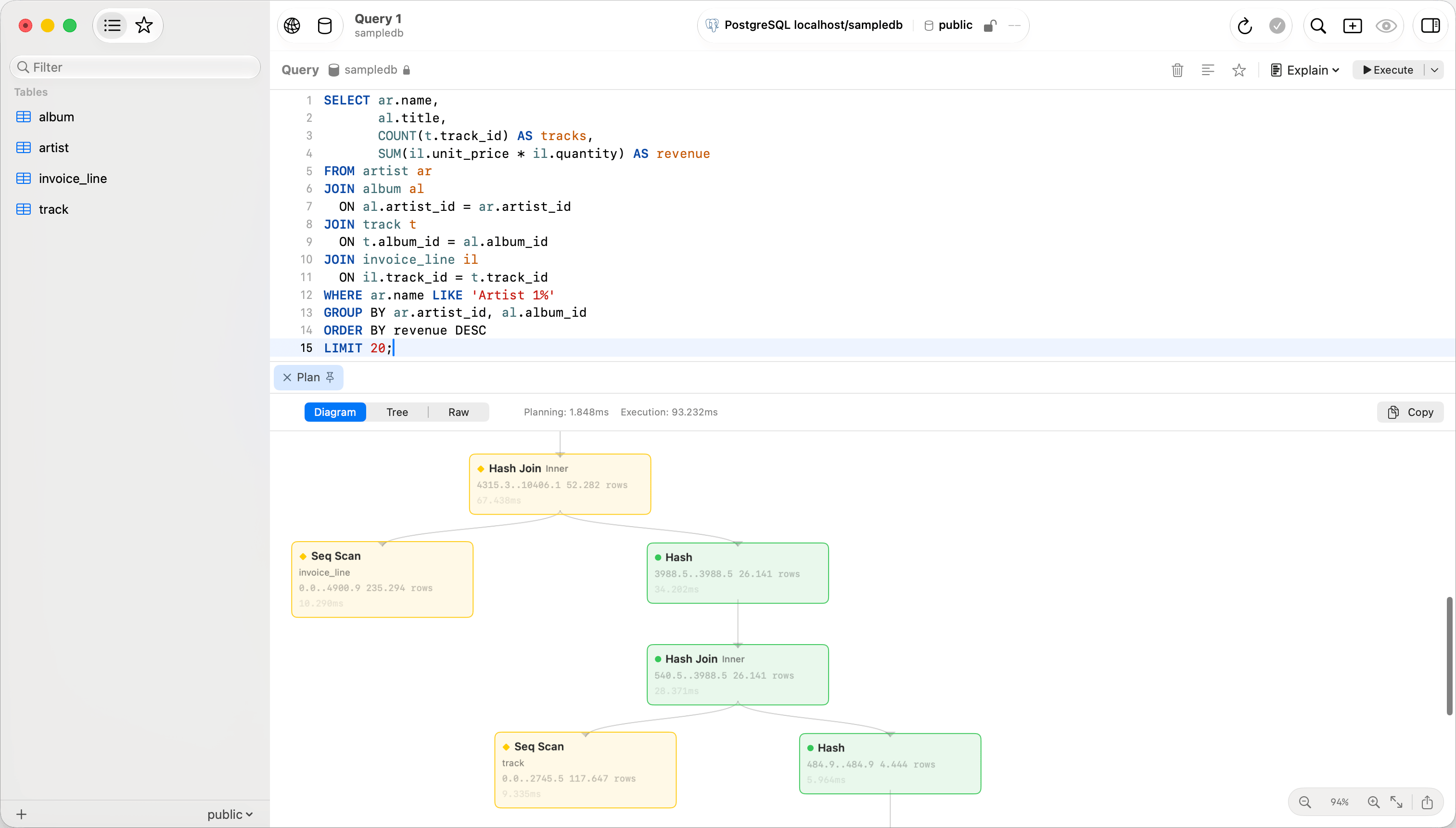
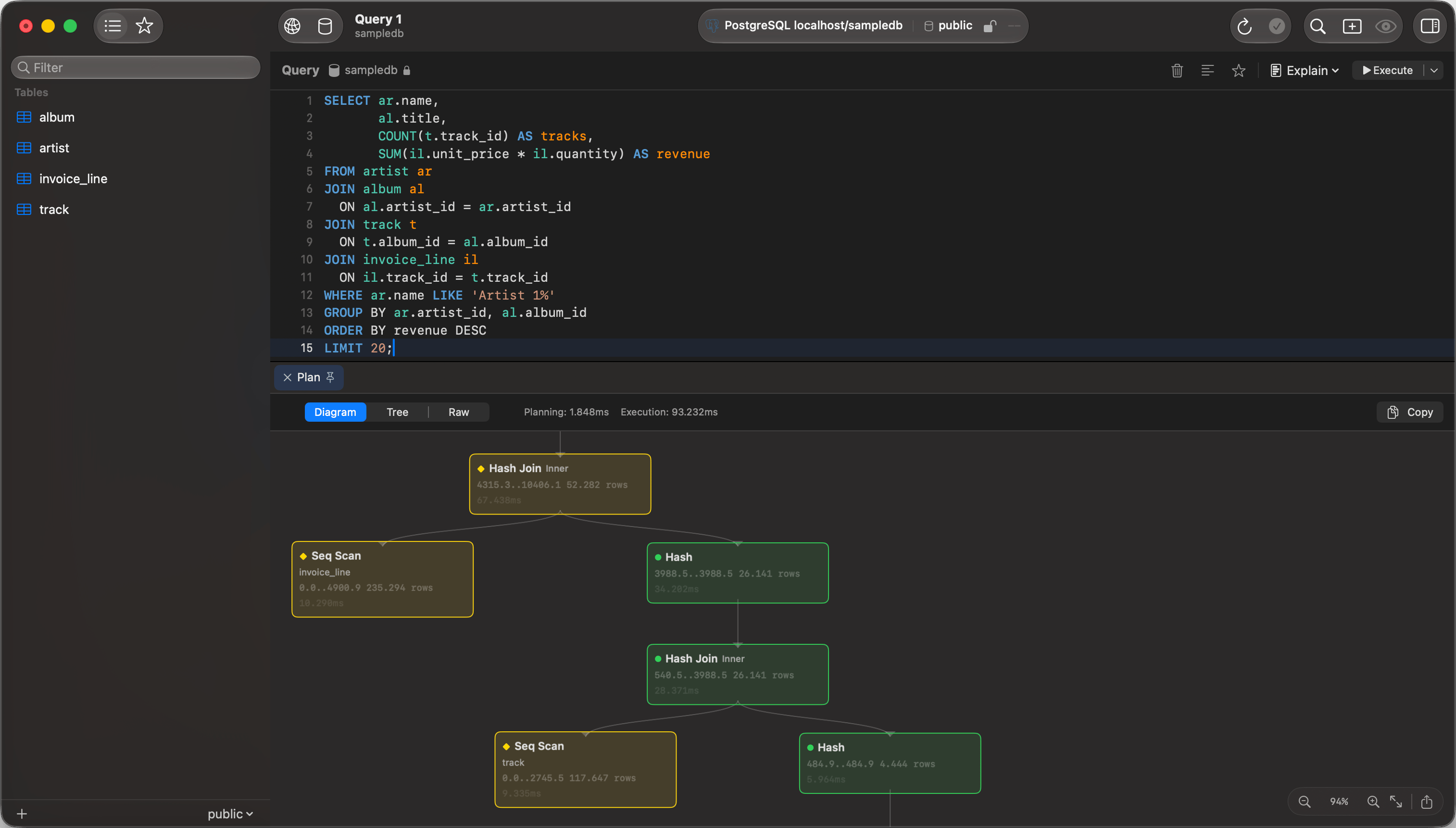
EXPLAIN diagram view
View modes
The segmented control above the results switches between three views. A plan the parser cannot read as a tree has no control at all and shows the raw output under a banner saying so. The mode and the Compare baseline stay with the editor tab, so another plan in it opens in the same mode. Each plan keeps its own selected step, zoom and scroll position while its result is open. Running the statement again replaces an unpinned plan with a new one at 100%.Diagram
Boxes joined by arrows, top to bottom. Zoom with a trackpad pinch, a two-finger double tap, or Cmd and scroll; the controls in the bottom-right corner zoom, reset to 100%, and fit the plan to the window. Click the plan to give it focus, andCmd+=, Cmd+- and Cmd+C act on it instead of on the editor above. Right-click copies a step, and the export button saves the diagram as a PNG.
EXPLAIN tree view
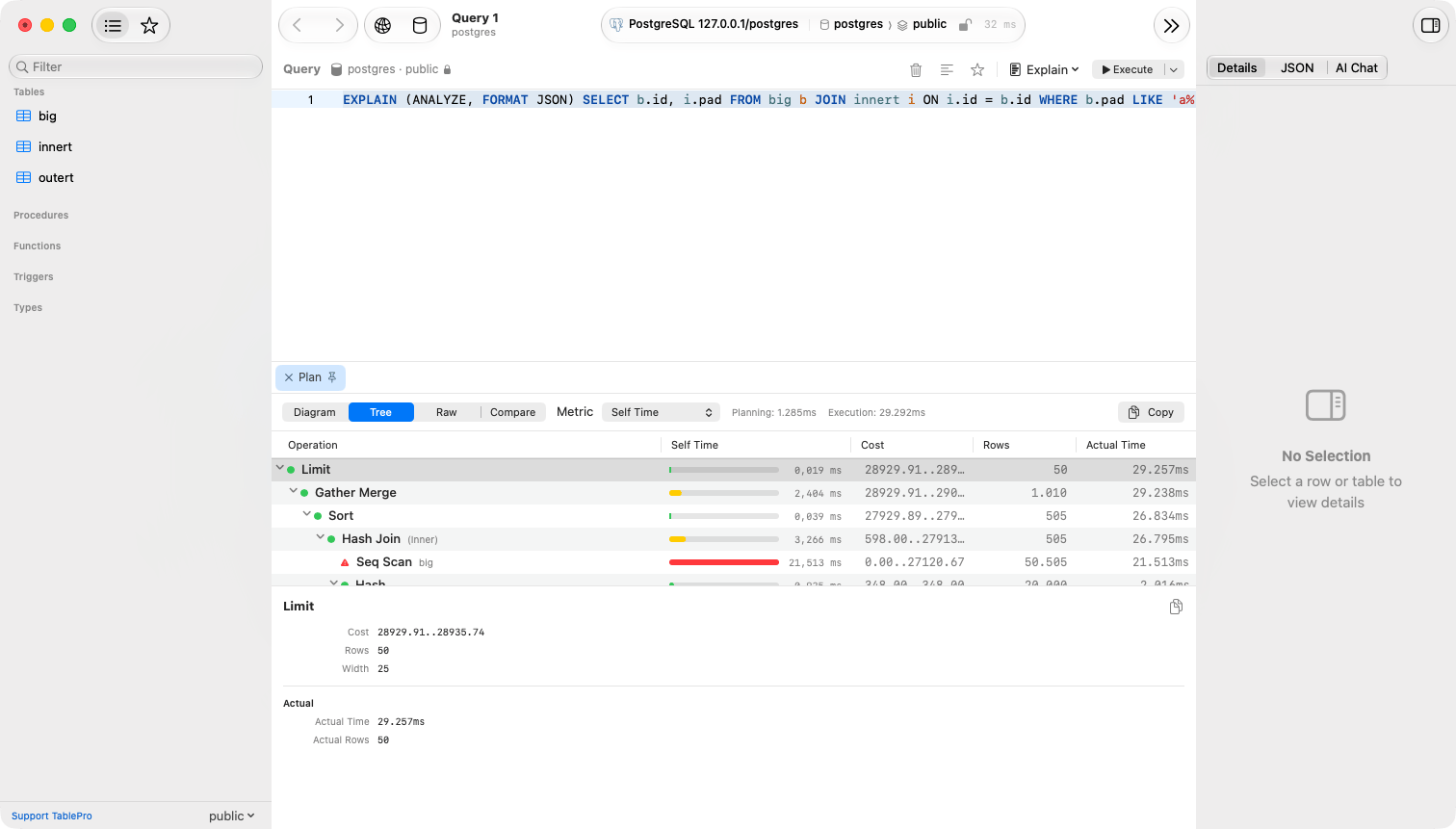
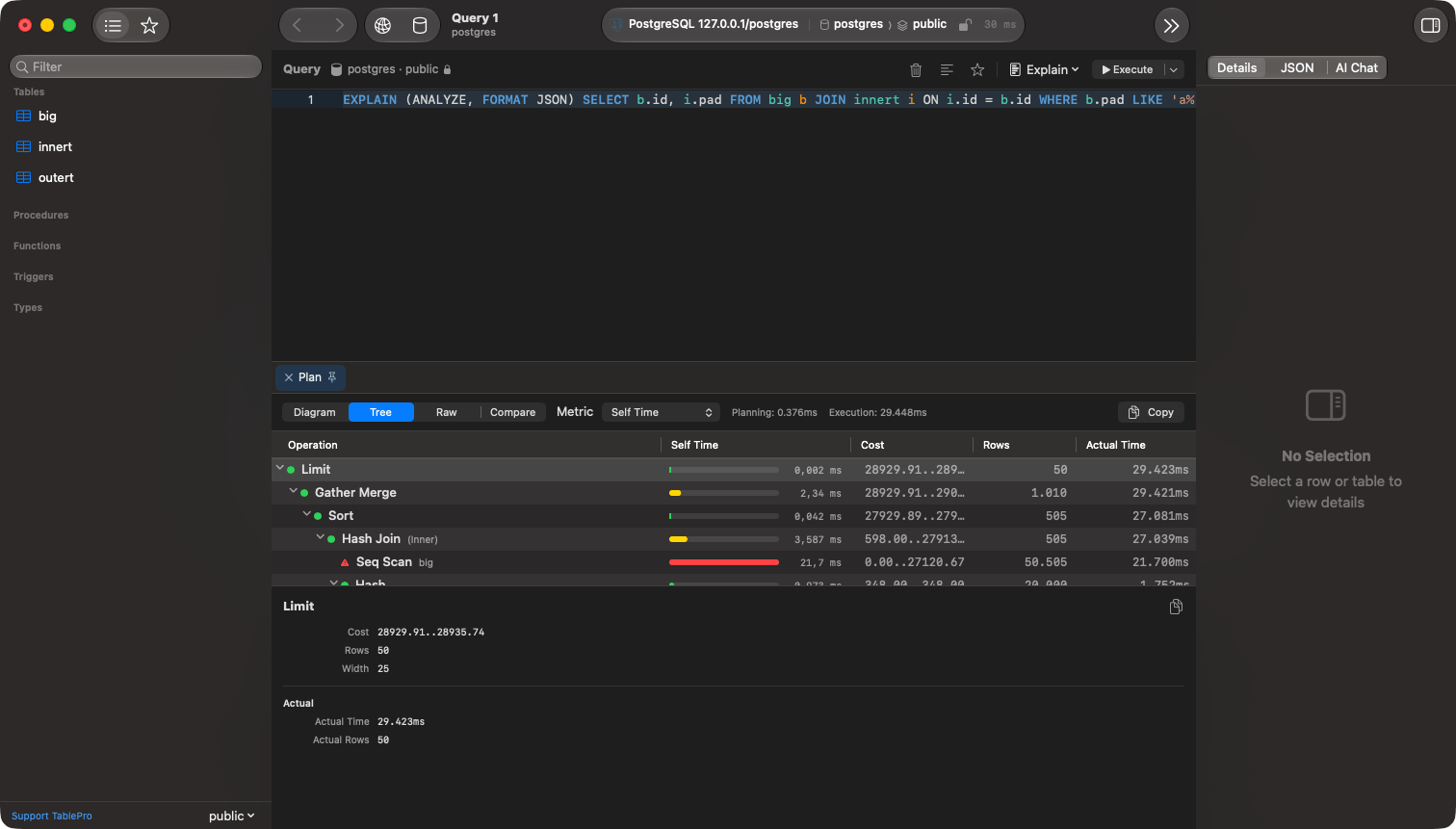
Tree
An expandable outline with a chart column beside Operation, Cost, Rows, and Actual Time. Drag a column edge to resize it and the width is remembered. Clicking a header sorts the steps under each parent without flattening the plan. Arrow keys move between steps, right-click copies one, and the divider resizes the detail panel. Only the columns the plan can fill are shown. A SQLite plan reports no cost, rows or timing, so it lists its steps and nothing else. Each row draws a bar for the metric in the Metric menu, so the expensive steps stand out without reading the digits. The longest bar is the largest step in the plan and every other bar is drawn against it. Cost and time bars take the badge’s colors, because a step’s share of the plan is what those bands measure. Row bars are drawn in the accent color: a row count is not a share of anything, and a plan that passes the same rows through every step would otherwise come out red from top to bottom.
The menu offers only the metrics the plan reports, and the chart column sorts by the metric it shows. Measured plans open on Self Time and estimated ones on Self Cost.
Self Time is the total work in a node, so it differs from the Actual Time column, which is the per-loop figure the database prints. A node with
loops=500 at 0.4ms each shows 0.4ms in the column and 200ms in the chart.
Raw
The original EXPLAIN output as text, with a copy button and a font size stepper. Planning and execution times, where the plan reports them, sit beside the view switcher in every mode.Compare
A fourth mode beside Diagram, Tree and Raw. Pick an earlier run from the Baseline menu and the pane reports what changed between it and the plan on screen. It leads with the verdict: whether the query got faster or slower, whether the plan shape changed, or whether nothing measurable moved. Below that come cost, estimated rows, planning time, execution time and node count, then the plan steps that were added, removed or changed. A timing difference under 15% counts as noise, so two runs of an unchanged plan report no change rather than a list of near-identical numbers. Compare is a mode, not a sheet, so the editor stays usable. Change the query or add an index, run it again, and the comparison follows the new plan. If either plan cannot be read as a tree, the two runs are compared as text instead.Which runs can be compared
A run appears as a baseline when it matches the current one on statement shape, connection, database, schema, EXPLAIN variant and output format. Statement shape means the query normalized the waypg_stat_statements normalizes one: literals, comments, whitespace and identifier quoting stop mattering. Reformatting a query, or running it with a different WHERE value, keeps its earlier plans. Changing which tables or columns it touches does not, and neither does switching between EXPLAIN and EXPLAIN ANALYZE, which report different things.
What is kept
Plans are saved alongside Query History, and pausing history stops saving them. They are not deleted with it: clearing or pruning history leaves the plans in place, because a baseline you kept is worth more than the row that produced it. Click the pin beside the baseline menu to keep a plan permanently. Unpinned plans are pruned oldest first once they pass 100 MB in total, on the same schedule as history cleanup. A plan over 2 MB is not saved, and neither is the plan of a query that carries parameters, because a database can print the parameter values into its plan output. In both cases the run keeps its history entry, and Compare says which of the two happened.Node details
Selecting a node in either view fills the detail panel:
Properties the driver reported as false or zero are left out of Details.
Database support
An engine missing from the table has no plan to show, and Query > Explain Query is dimmed for it. On MongoDB, call
.explain() on the query in the editor instead.