

@electric-sql/pglite-socket yourself. After that the connection is ordinary PostgreSQL, served by the same driver, with the same introspection, DDL, and EXPLAIN, and nothing extra to install.
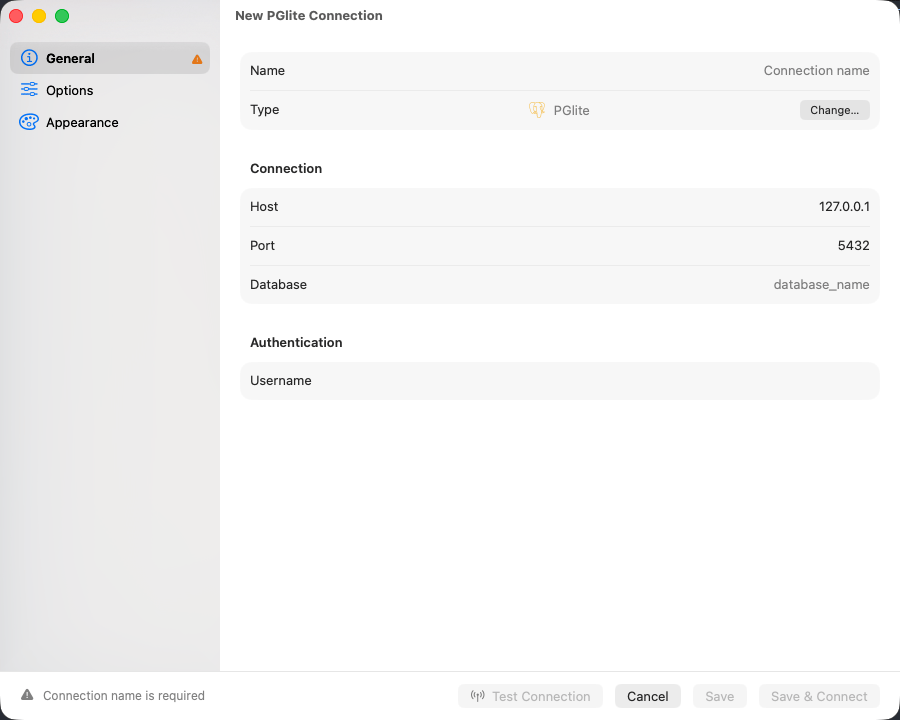
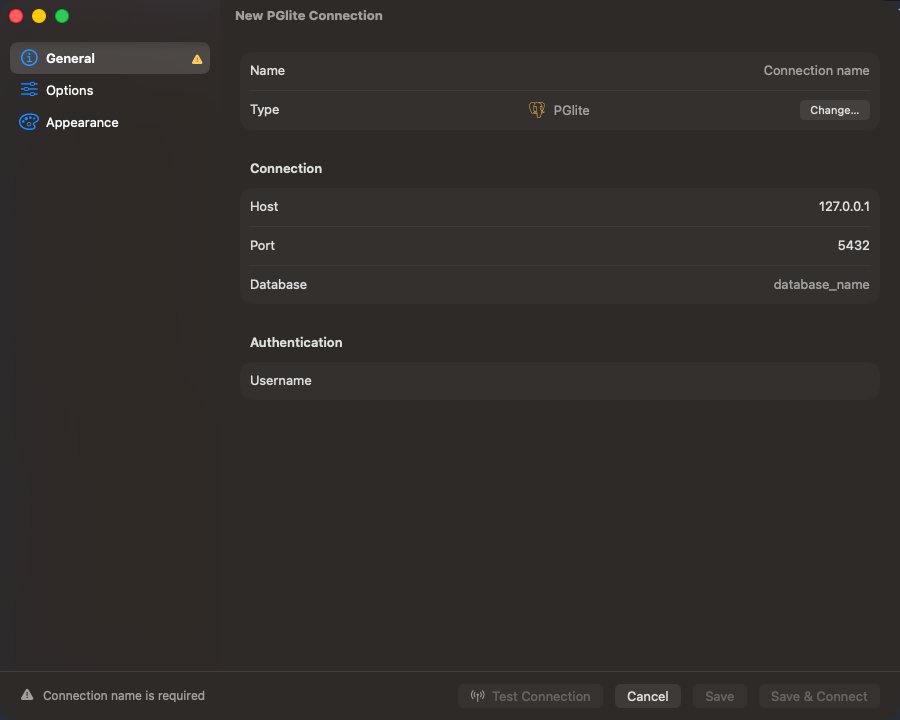
The PGlite connection form pointed at a running socket server
Start the socket server
It listens on127.0.0.1:5432 unless --port says otherwise. Leave it running for as long as the connection is open.
Connection settings
The socket server never checks a password, so the form has no password field, and it has no TLS, so SSL Mode is fixed to Disabled. Fill in the form and click Save & Connect.
Connection URL
What you get
Real PostgreSQL 17, sopg_catalog and information_schema are complete: table and view definitions, indexes, foreign keys, structure editing, and the visual EXPLAIN and EXPLAIN ANALYZE plan tree all behave as they do on a server. The default schema is public, and postgres is the only entry in the Cmd+K database list.
Limitations
- One connection at a time. A second client, or a second TablePro window on the same server, is refused: close the other one first.
- No cross-database tabs. A tab bound to a database the connection is not on refuses to run and names that database instead of guessing.
- Cancel has no effect.
Cmd+.returns without stopping anything and the query runs to completion, so keep exploratory queries small. - No TLS. SSL Mode is fixed to Disabled, and the form has no Network tab.
Troubleshooting
Can’t reach a PGlite socket server: nothing is listening at that address. Start it withnpx @electric-sql/pglite-socket, and check the host is 127.0.0.1 rather than localhost, which can resolve to IPv6 first.
Too many connections: something else is already talking to the socket server. Close that client and connect again.