

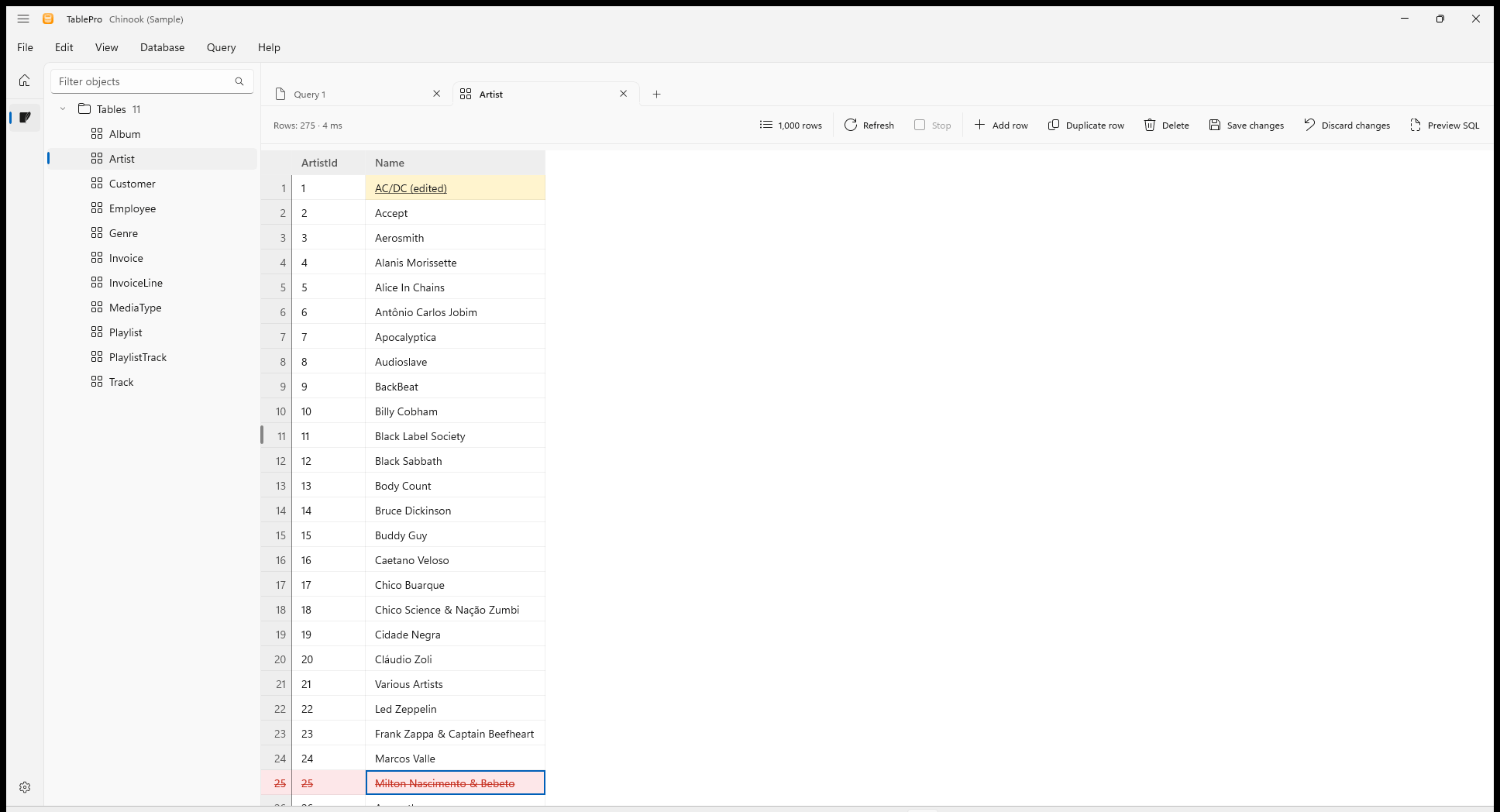
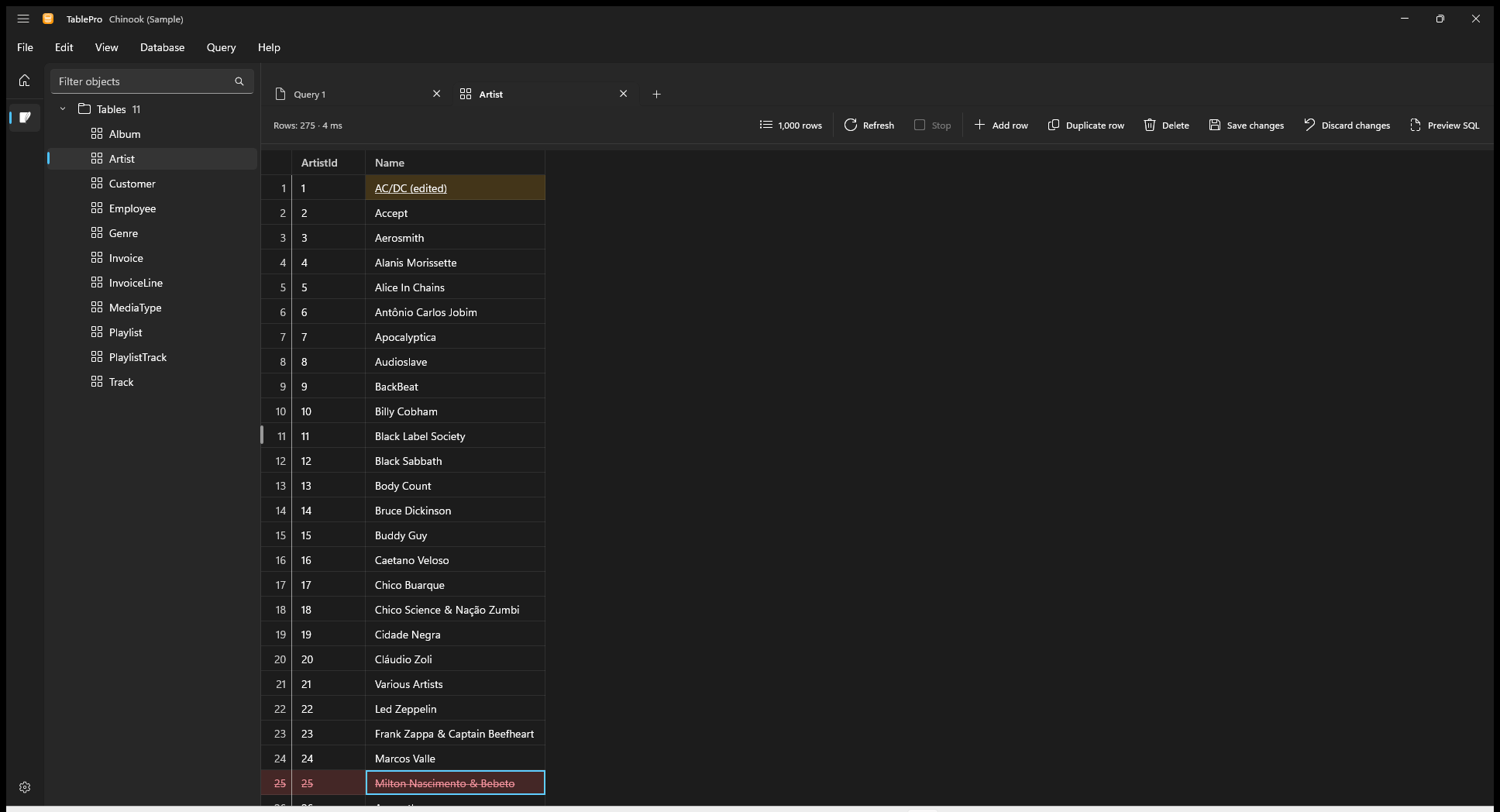
Pending changes stay marked until Save
Edit rows
Editing works in a table tab on a table with a primary key, on a connection whose Safe Mode is not Read only. A saved row’s key, and every column the server fills, stay as they are.
A value with a line break edits on several lines, and
Ctrl+Enter keeps it. Right-click a cell and open Set value for Empty, NULL or Default, each where the column takes it. A duplicate starts its key, and every column the server fills, the way a new row does. Right-click a row marked for deletion and choose Undo delete to keep it.
An edited cell is underlined on a yellow fill, a new row on green, and a row marked for deletion is struck through on red. Typing a cell back to its stored value drops the edit.
Save or discard
Save changes (Ctrl+S) writes every change in one batch and reloads the page. Preview SQL (Ctrl+Shift+P) shows the statements first, each with the values it sends. Discard changes drops them all after asking.
- A save that deletes rows asks first.
- With Safe Mode set to Confirm writes, the save shows its statements and runs after Execute.
- A save the server refuses writes nothing and keeps every change pending, with the row it stopped at selected.
- Sorting, paging or refreshing asks before it discards pending changes. Closing the tab, disconnecting or quitting offers to save them.