

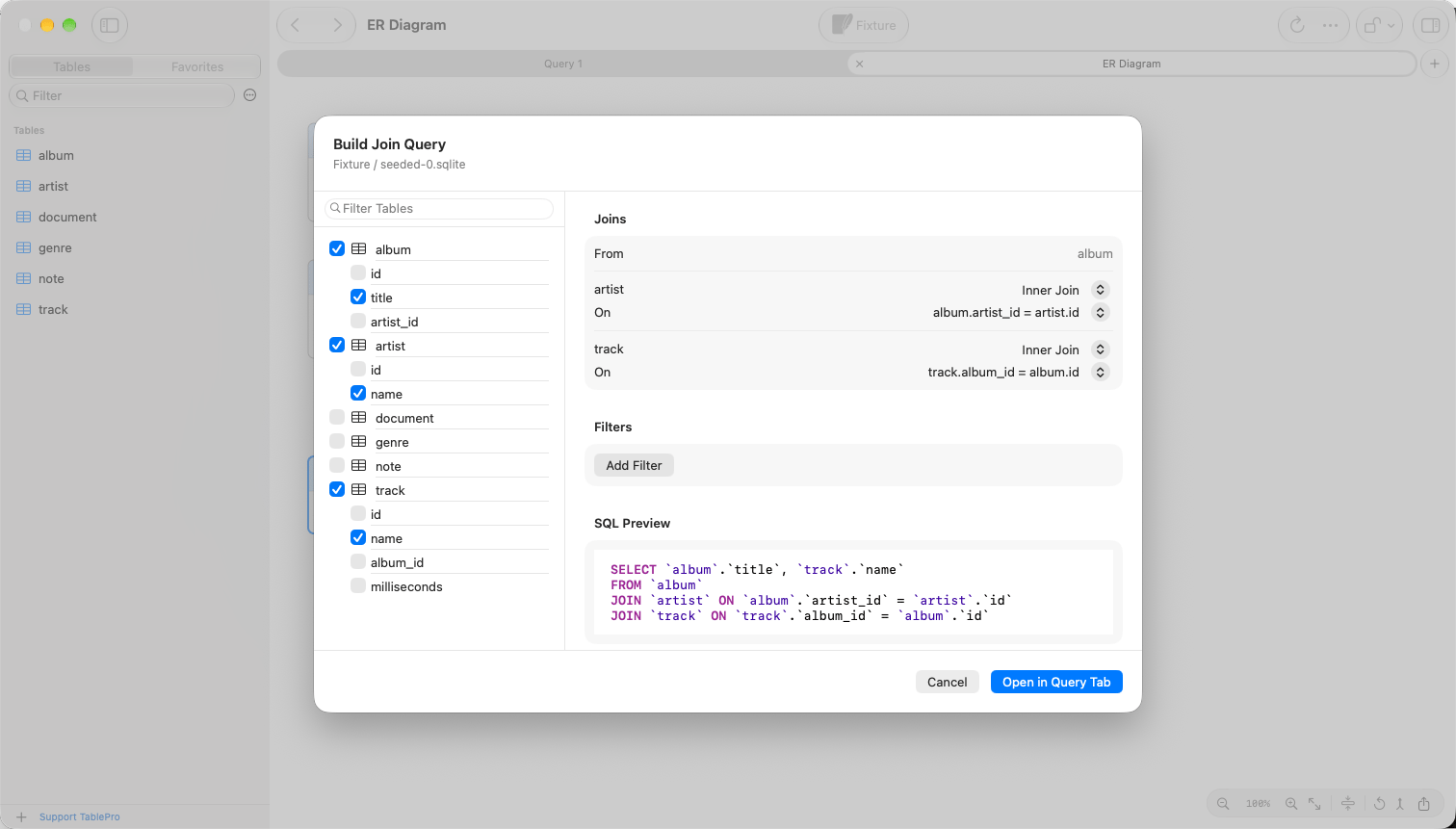
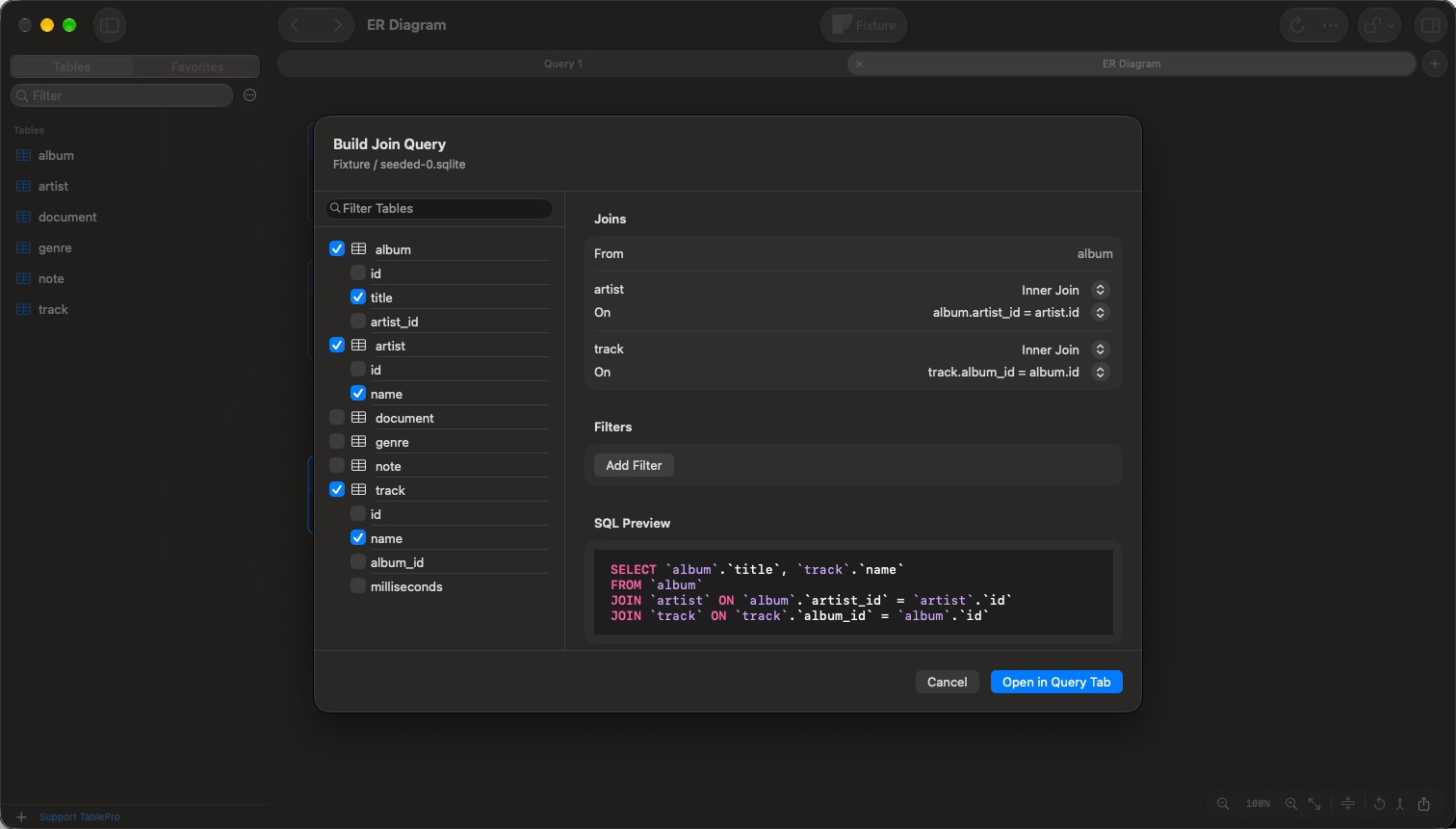
Three tables picked from the ER diagram, joined along their foreign keys
Open the builder
- Choose Database > Build Join Query…. Tables selected in the sidebar start out picked.
- In an ER diagram, click a table, then Command-click or Shift-click the others. Click the Build Join Query toolbar button, or right-click one of the selected tables and choose Build Join Query….
Pick tables
Select a table in the list on the left to add it. The first table picked is theFROM table, and each one after it joins the tables before it on the shortest chain of foreign keys.
Deselect a table to take it out. A table that was joined on it switches to a key that reaches a remaining table, or to a cross join when none does.
Shape the query
- Joins shows each table with its join type, Inner Join or Left Join, and its condition. On lists every foreign key to an earlier table: an
orderstable withbilling_address_idandshipping_address_idoffers both keys toaddresses. - Select columns under a picked table to list them instead of
SELECT *. - Add Filter adds a
WHEREcondition from a column, an operator and a value. Conditions combine withAND, and one still missing its value is left out.