

Cmd+R (Database > Refresh) or click the refresh button to read them again.
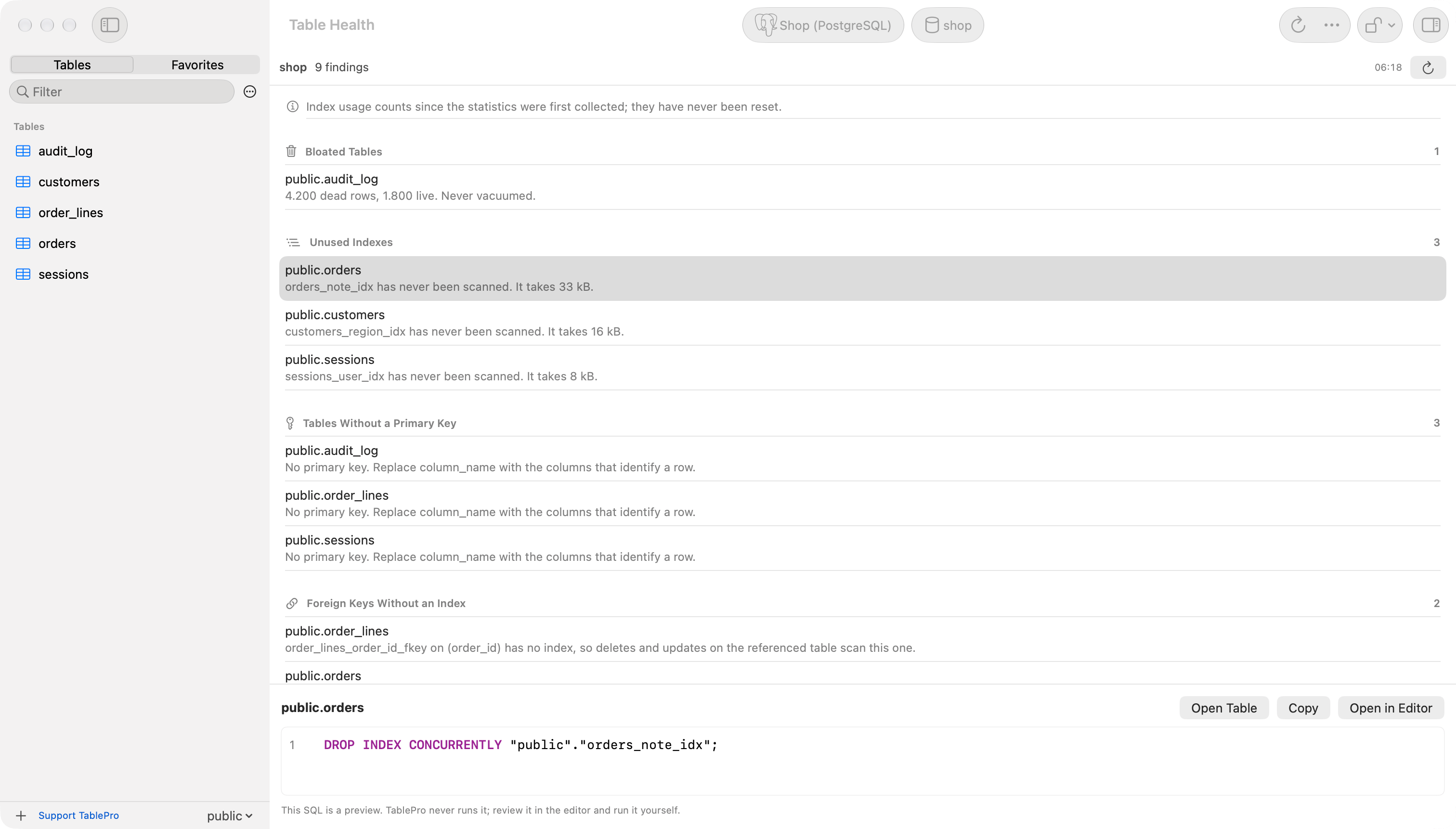
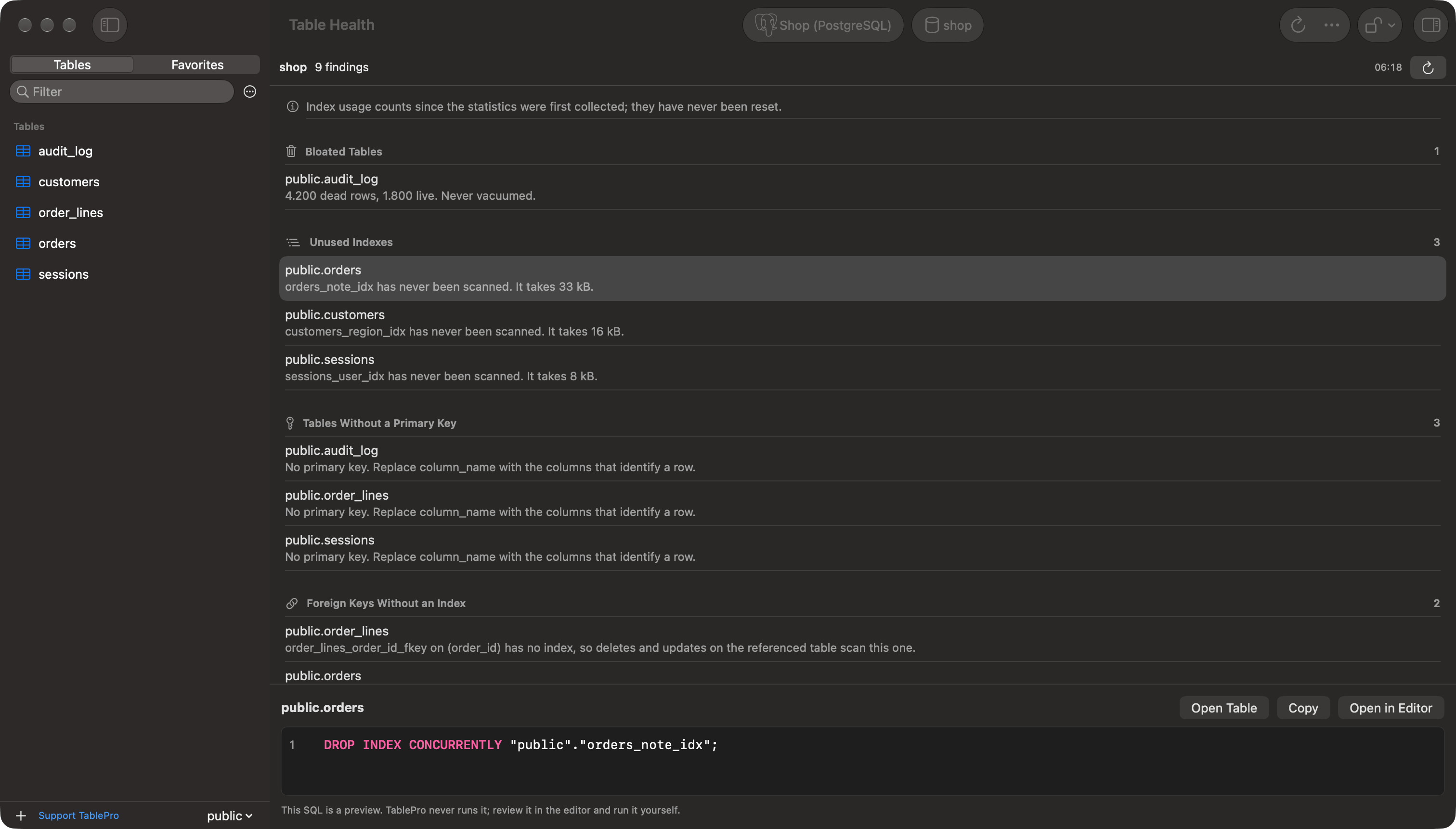
Table Health listing findings by check, with the fix for the selected one below
What each engine checks
The report covers the database selected in the sidebar, in every schema on PostgreSQL. The toolbar names it. The menu item is dimmed for other engines.
A unique index, a primary key and an index behind a constraint never count as unused: they enforce something even when no query reads them. Neither does an index that starts with a foreign key’s columns: the key’s checks need it, and on MySQL and MariaDB they read it without counting a read. On MySQL and MariaDB a full-text index is not listed as unused either, since its searches are not counted. A partitioned table is listed once, not once per partition.
Read the statistics window
An index looks unused when nothing scanned it since the counters started. The note at the top of the list says when that was:- PostgreSQL: when the database’s statistics were last reset, or that they never were.
- MySQL and MariaDB: when the server started, since
performance_schemacounts from there. An index on a table with no recorded reads or writes since then is not listed.
- PostgreSQL:
track_countsis off. The bloat check is skipped too. - MySQL and MariaDB:
performance_schemais off, thewait/io/table/sql/handlerinstrument or theglobal_instrumentationconsumer is disabled, or no table in the database has a recorded read since the server started. MariaDB ships withperformance_schemaoff; setperformance_schema=ONand restart to turn it on.
Act on a finding
Select a finding to preview the SQL that fixes it:
TablePro never runs the preview. Open in Editor puts it in a new query tab for you to review and run. Copy puts it on the clipboard. Open Table, or a double-click on the finding, opens the table. The same actions are in the finding’s context menu.
VACUUM, CREATE INDEX CONCURRENTLY and DROP INDEX CONCURRENTLY cannot run inside a transaction, so run them with auto-commit on.
When a check fails
A check the account cannot read shows the server’s error in its own section, and the other checks still run. On MySQL and MariaDB, the unused index check needsSELECT on performance_schema. A connection with no database selected asks for one.