

SELECT per table. Each result names the
columns that hold the value and opens the table already filtered to those rows.
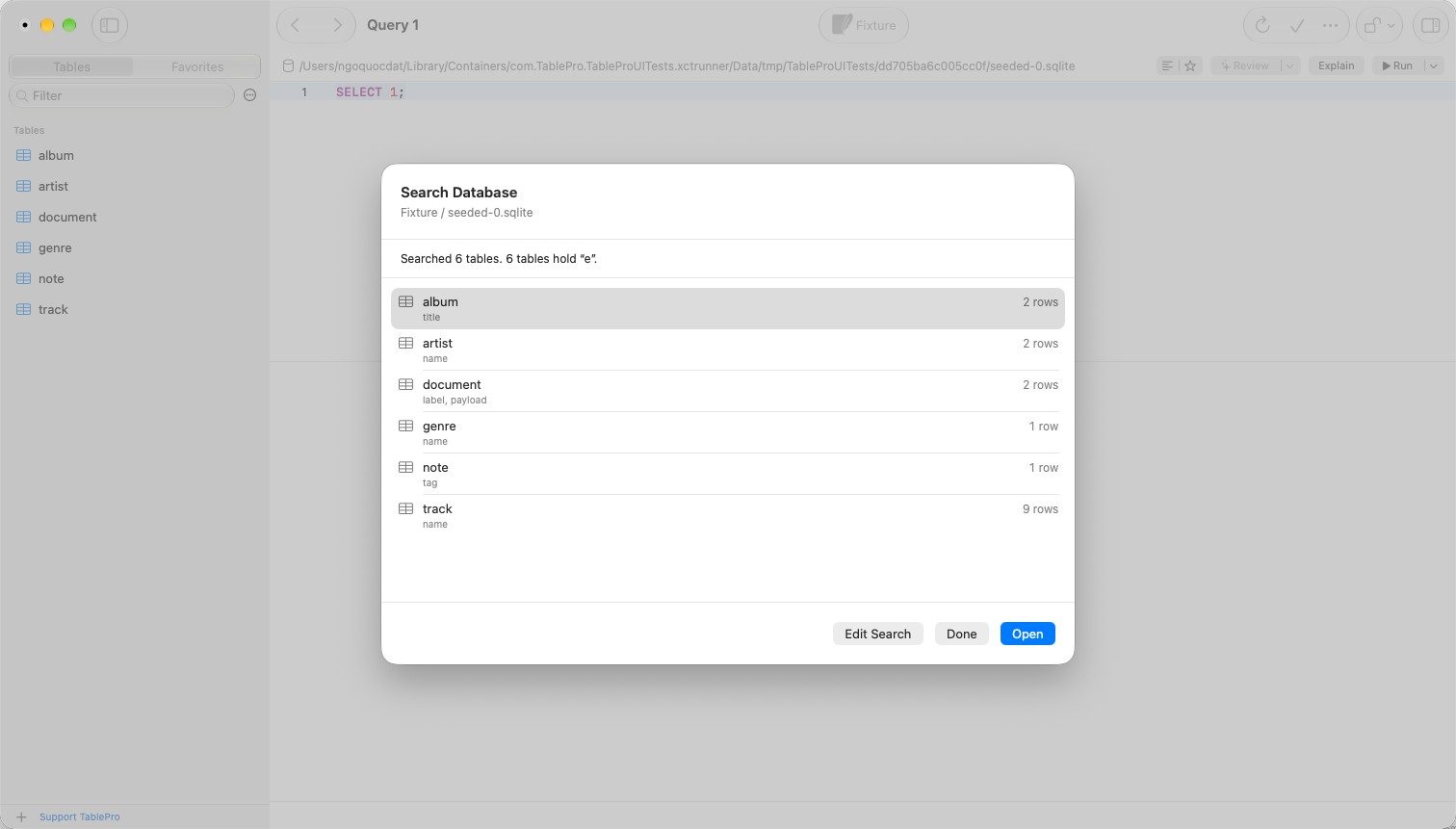
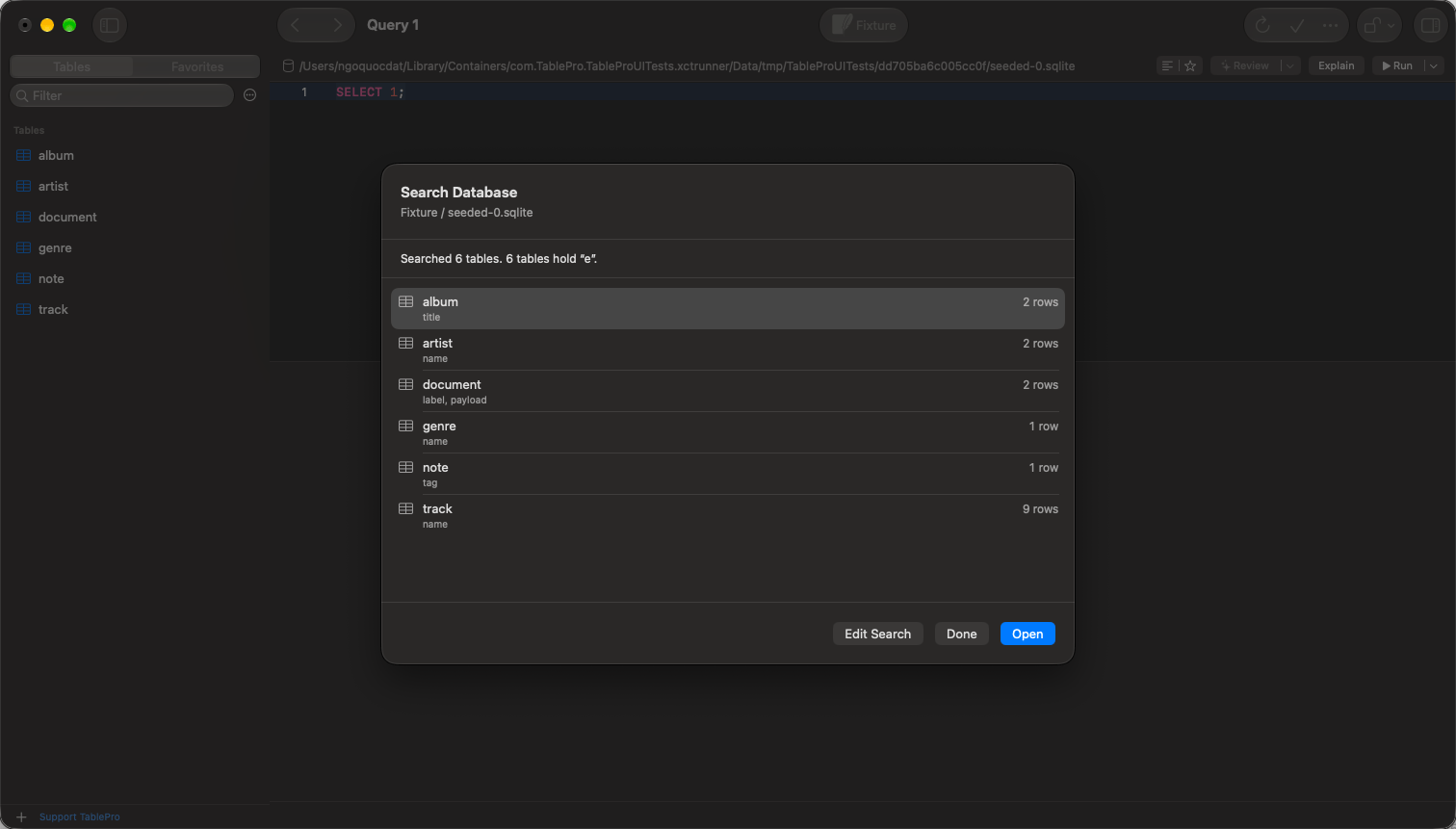
Results list the matching columns and the row count of each table
Running a search
1
Open the sheet
Choose Database > Search Database… to search the database being browsed. In the sidebar,
right-click a database row and choose Search Database…, or a schema row and choose
Search Schema….
2
Type the value
Type it in Find, pick a Match mode, and select Match Case to tell
Ada from ada.
Where the column’s collation decides case, Match Case is dimmed; see
Case sensitivity.3
Choose the tables
Every table in the database is selected, or every table in the schema you right-clicked. A
schema’s checkbox selects or deselects all of its tables. Filter Tables narrows the list,
and Select All and Deselect All act on what it shows.
4
Click Search
A progress bar counts the tables done out of the total. Stop ends the search after the
table being read, and keeps what was found so far.
Which columns are searched
With Matches Exactly, large text types such as
CLOB and NTEXT, and types stored as text such
as inet, are skipped. A table with no column to search is left out of the results.
Enum, set, JSON and binary columns are searched on the MySQL, PostgreSQL, SQLite, SQL Server,
ClickHouse and DuckDB families, and skipped on Oracle. On Trino, Snowflake, BigQuery and the other
engines outside those families, only text and number columns are searched.
Reading the results
Each table that holds the value shows the matching columns and how many rows match. Counting stops at 1,000 rows per table, shown as 1,000+ rows. A table that could not be searched, for lack of permission or because the query timed out, is listed with the server’s error. Each query runs under the connection’s query timeout. Double-click a table, or select it and click Open, to open it in a new tab. The filter bar holds one condition per matching column, joined with Match any, so the tab shows exactly the rows the search counted. When the count reads 1,000+ rows, the tab gets a condition for every searched column instead. Choose Search Database… again on the same database to come back to the results. Edit Search returns to the form with the value and the tables you chose.Search runs on databases queried in SQL. It is not offered on Cassandra, ScyllaDB or DynamoDB, nor
on MongoDB, Redis and the other engines that do not use SQL.
Related
- Filtering: the filter bar a result opens with
- Open Quickly: jump to a table, view or routine by name