

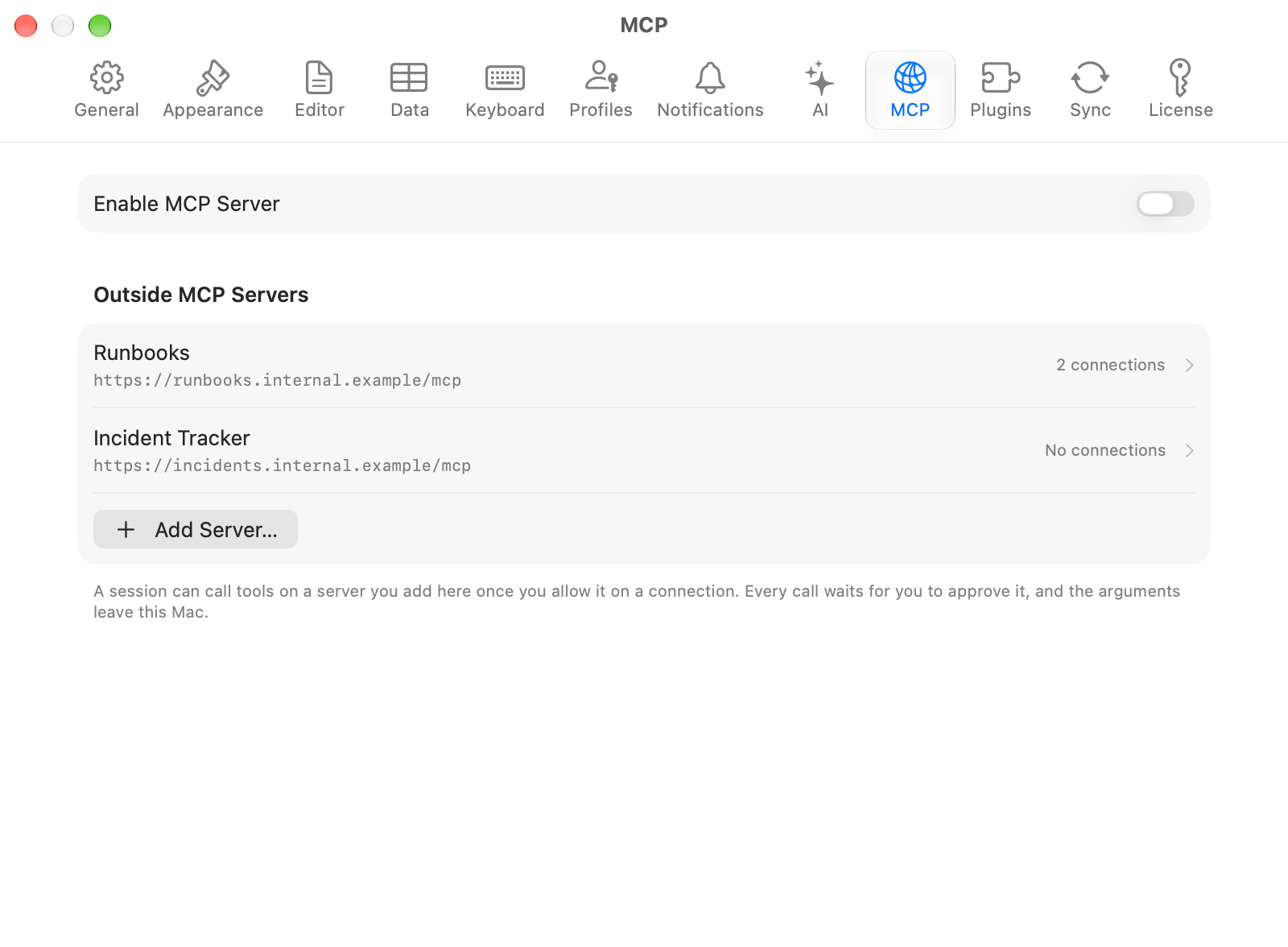
Outside MCP servers in Settings
Adding a server
Open Settings > MCP, scroll to Outside MCP Servers, and click Add Server….
Test connects once with the token in the field and reports how many tools answered. Nothing is saved until you click Save, so an address you got wrong does not leave a server in the list.
The address has to be HTTPS unless the server runs on this Mac. Plain HTTP to another machine would put the arguments, and anything the assistant copied into them, on the wire in the clear. An address carrying a credential is refused: the token goes in its own field.
A redirect off the address you typed is not followed. A server that answers one gets the redirect reported as an error rather than the token forwarded to wherever it pointed.
The transport is Streamable HTTP. There is no stdio transport, so a server that runs as a child process cannot be added.
Allowing it on a connection
A server you add reaches nothing until you tick a connection in Allowed On. The list is in the same sheet, and a server with none ticked is inert. The allowlist is checked twice: when the session is told which tools exist, and again when one is called. A model that saw a tool on one connection cannot call it by name from another. Delete a connection and it comes off every allowlist with it.Every call waits for you
A tool from an outside server always shows a card and always waits for Run or Reject, whatever the server said about it in its own listing. A server calling one of its tools read-only is that server’s claim about its own behavior, and the arguments leave this Mac either way. Always Allow does not cover them. It records a standing grant for a TablePro tool on a connection; there is no equivalent for a server on somebody else’s machine. The card names the server, so a turn that proposes a database write and an outside call shows two cards that say which is which.What is recorded
Every outbound call is written to the activity log before the request leaves, with the server, the session, the connection, the tool name, the payload size and a short hash of the payload. The arguments themselves are not stored: they carry table names and values, and a log that kept them would be a second copy of what it exists to watch. Open it from Settings > MCP > View Activity….Names
A server’s tools are offered to the model under a prefix built from the server’s id, so two servers that both exposesearch stay separate. A name a built-in tool already holds is refused.
What is stored where
Neither syncs. A server reachable from this Mac may not be reachable from another, and a token that travelled would be a credential you did not choose to copy. Removing a server removes its token with it.
Related
- MCP Server for the inbound direction
- AI Assistant for providers and tool calling
- Agent mode for sessions