

.csv or .tsv maps the file instead of reading it into memory. Row offsets are indexed up front, cells are parsed as you scroll to them, and only the rows you edit are held. Rows arrive a page at a time, at the same Default page size the data grid uses, and the status bar carries the row and column counts with the page controls.
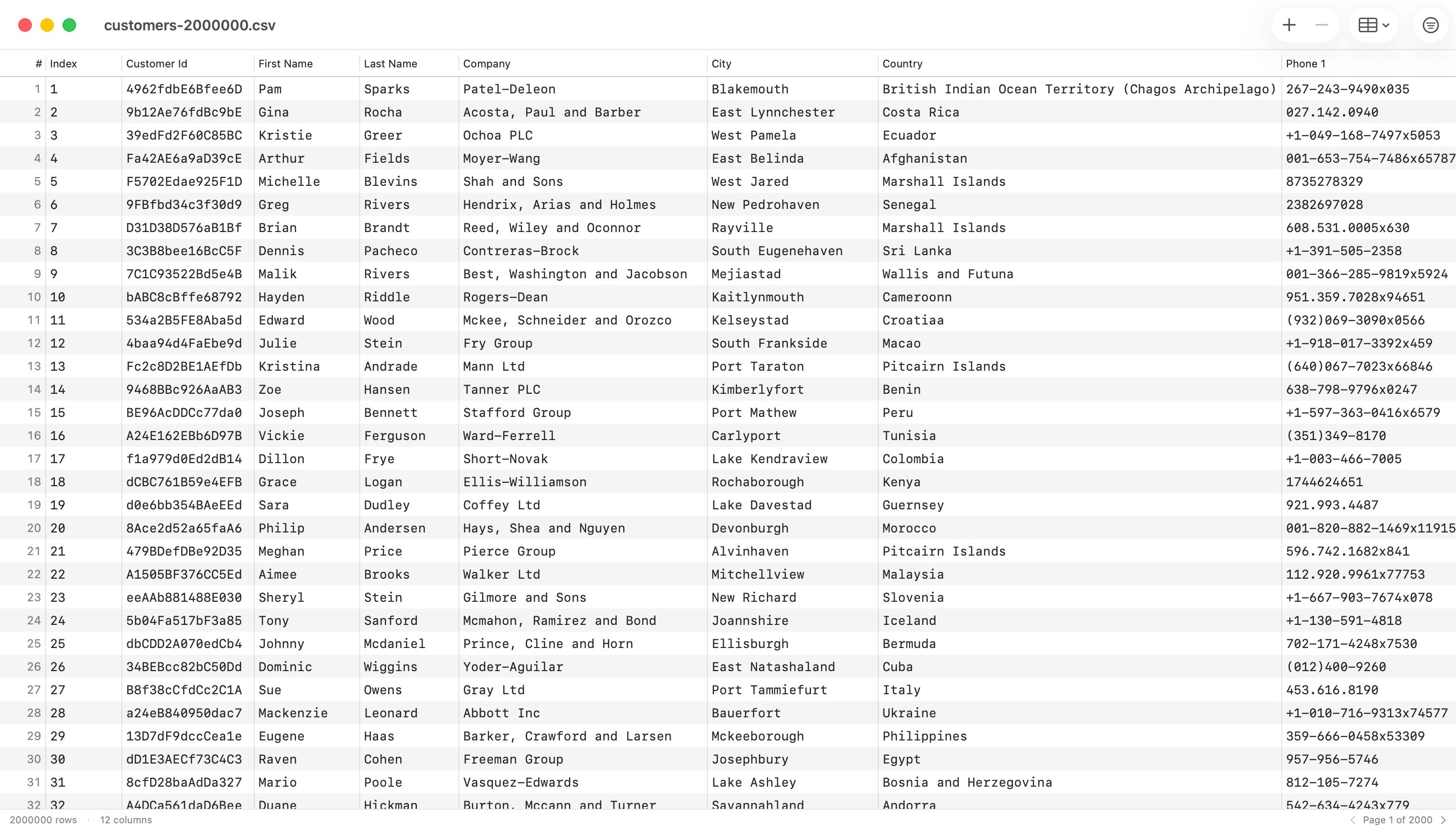
CSV inspector window with toolbar, header row, and paginated data
Detection
Four things are guessed when the file opens.
Edit > CSV/JSON Editing > Set CSV Properties… sets the delimiter, quote character, escape character, encoding, and line ending by hand; the escape is either a doubled quote, the RFC 4180 default, or a backslash. Reload then re-reads the file, and asks first if you have unsaved edits.
When only the header guess is wrong, Edit > CSV/JSON Editing > Switch First Row Between Header and Data (
Cmd+Shift+H) flips it without a reload. Turning the header off pushes that row down into the data and renames the columns; turning it on promotes the first data row. Both are undoable, and Save writes the file to match.
Editing rows
Double-click a cell, or pressReturn on it, to edit. Return commits and closes the editor; Tab commits and moves to the next cell, wrapping to the next row.
The toolbar Add Row button appends a row, scrolls to it, and selects it. Insert Row Above and Insert Row Below on the right-click menu place one next to the row you clicked. Select rows and press Delete, or use the toolbar Delete button, to remove them; the next row takes the selection, so the arrow keys keep working from where you were. Deleting rows that hold data asks first, and deleting blank rows does not.
Cmd+Z and Cmd+Shift+Z cover every change. An insert, a bulk delete, and a paste are each one step.
Columns
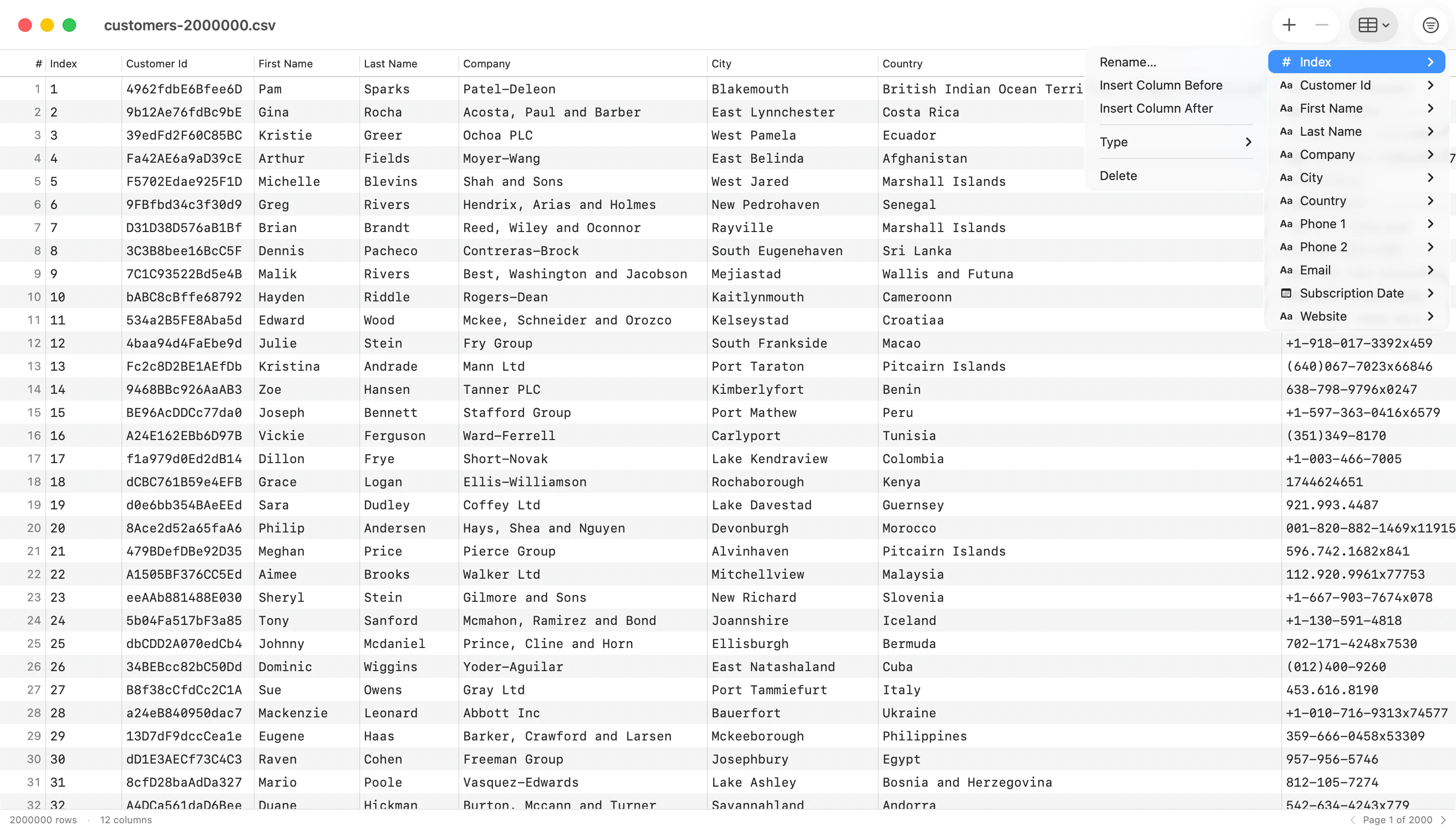
Columns toolbar menu with Add Column and the per-column submenu
- Rename Column… prompts for a name and leaves the column where it is.
- Insert Column Left / Right adds a column beside the one you clicked.
- Split Column… splits each value into new columns at every match of a delimiter or a regular expression. The original is replaced by the pieces, and rows with fewer pieces get empty cells.
- Merge Columns… joins the column with the one to its right, placing a separator you choose between the values.
- Change Type ▸ overrides the inferred type as Text, Integer, Real, Boolean, or Date. Reset to Inferred drops the override.
- Delete Column removes it, and asks first when the column holds data.
Cmd-click several headers to select whole columns; the menu then reads Delete Columns and removes them in one undoable step. Add Column… at the top of the toolbar menu appends a column at the end, and every column is listed below it with its current type.
A type is inferred from the first 200 rows of the file, skipping empty values. It controls sort order and nothing else: every cell is still a string on disk, whatever the type says.
Filter and sort
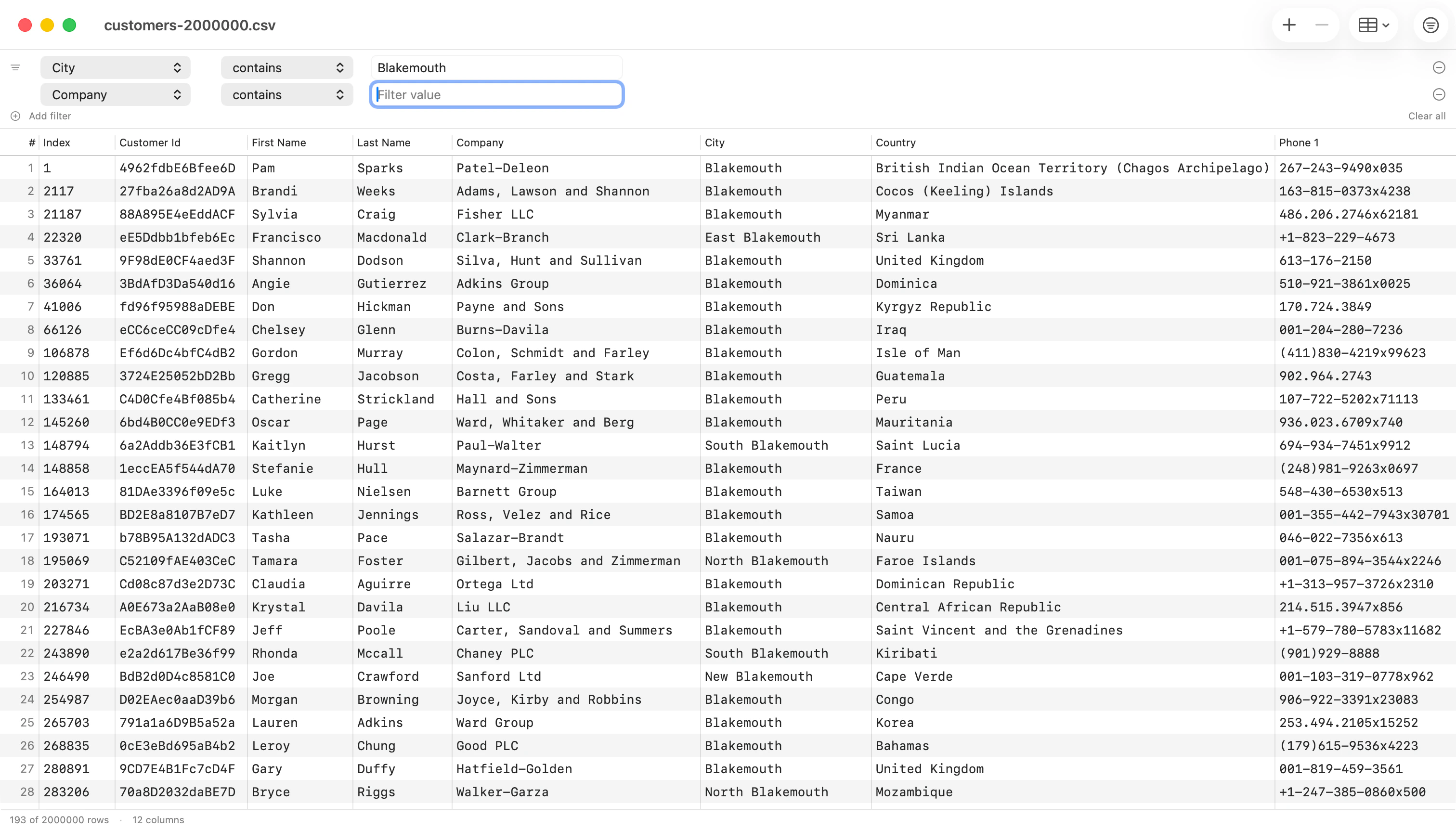
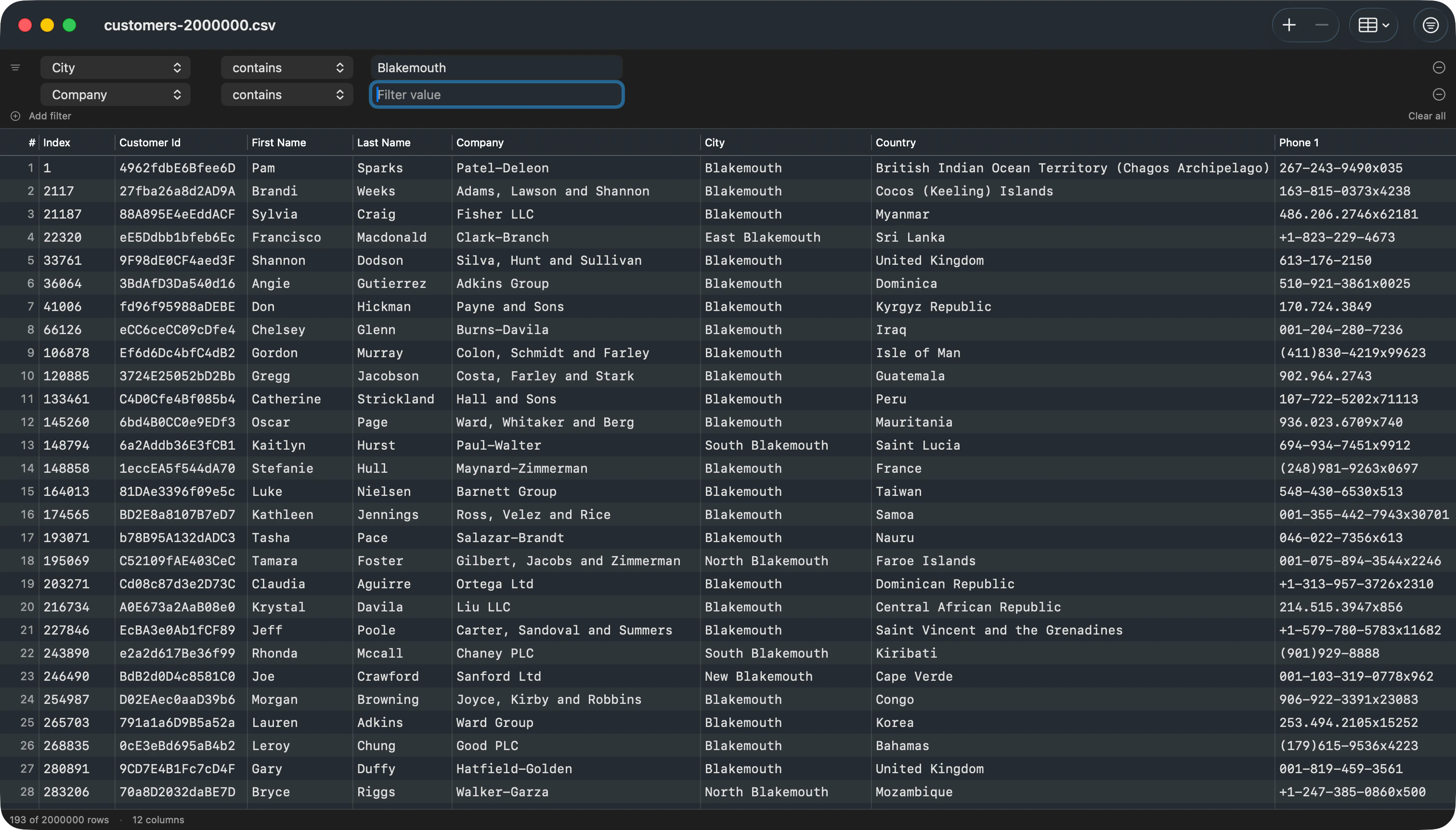
Filter bar with multiple conditions (AND) above the data grid
Cmd+F toggles the filter bar. Each row is one condition: a column, an operator (contains, equals, does not equal, starts with, ends with, is empty, is not empty), and a value. Add filter adds another, every condition is joined with AND, and Clear all goes back to one empty row.
Click a column header to sort by it, and Shift-click another to add a tie-breaker. A numeric-typed column sorts numerically; a text column sorts naturally, so Item 2 comes before Item 10. An Updating… indicator appears in the status bar while a filter or sort recomputes.
Copy and paste
Cmd+C copies the focused cell, or whole selected rows as TSV. Cmd+V parses TSV from the pasteboard and appends each line as a new row; a block narrower than the table pastes into the cells at the focused cell instead. A whole paste is one undo step.
Saving
Cmd+S writes back to the original path, keeping the detected delimiter, encoding, line ending, and BOM, and every row you did not touch goes back byte for byte. Cmd+Shift+S opens Save As. The window’s close button carries the standard unsaved-changes dot until you save.
If another application writes the file while it is open here, it reloads when you have no unsaved edits, and asks whether to reload or keep your changes when you do.
CSV windows form their own native tab group, apart from connection windows. Drag a tab out to detach it, or drop one back in to re-attach.