
Feedback Form
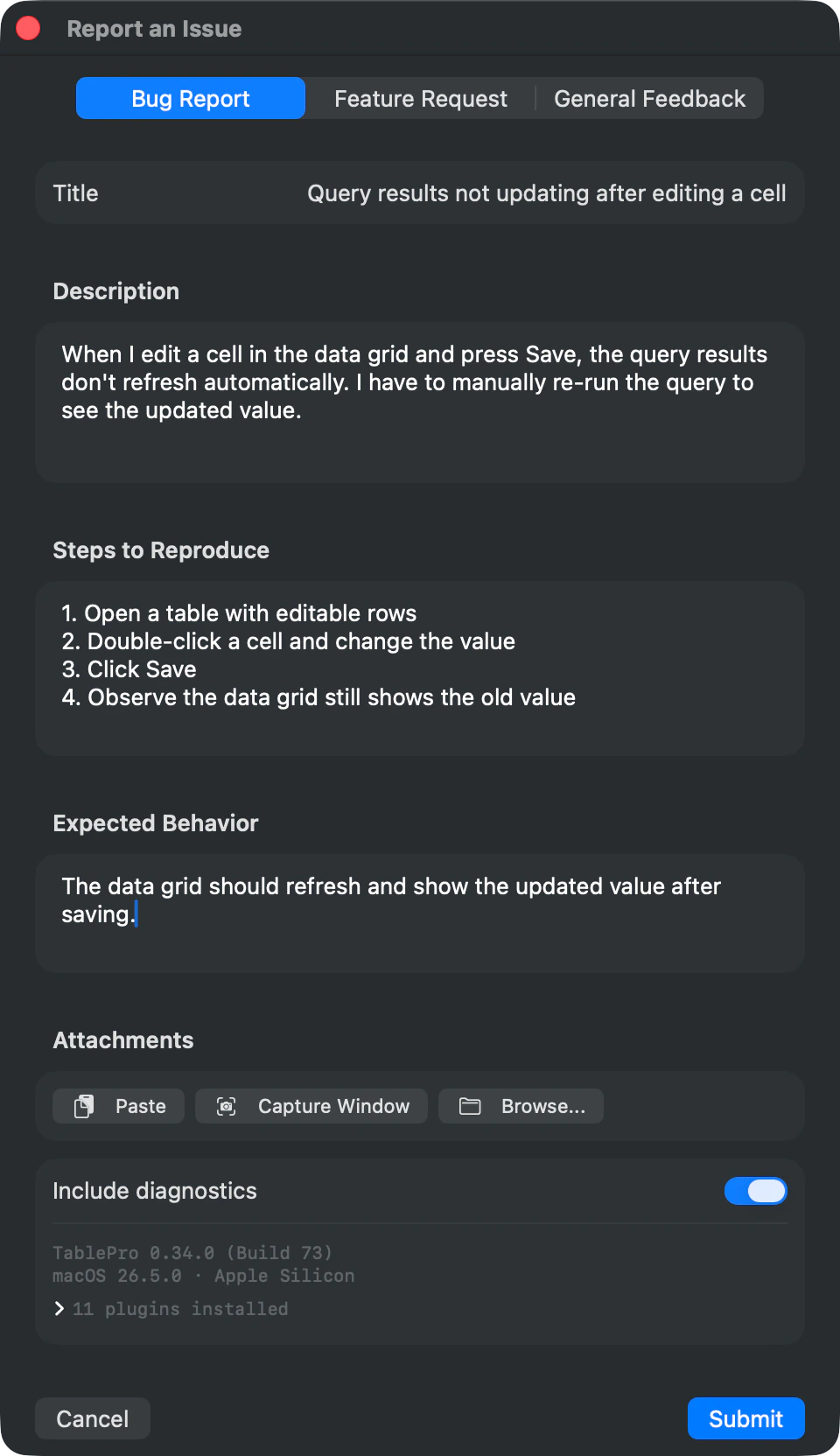
Report bugs, request features, or send general feedback without leaving the app. Submissions go straight to GitHub Issues.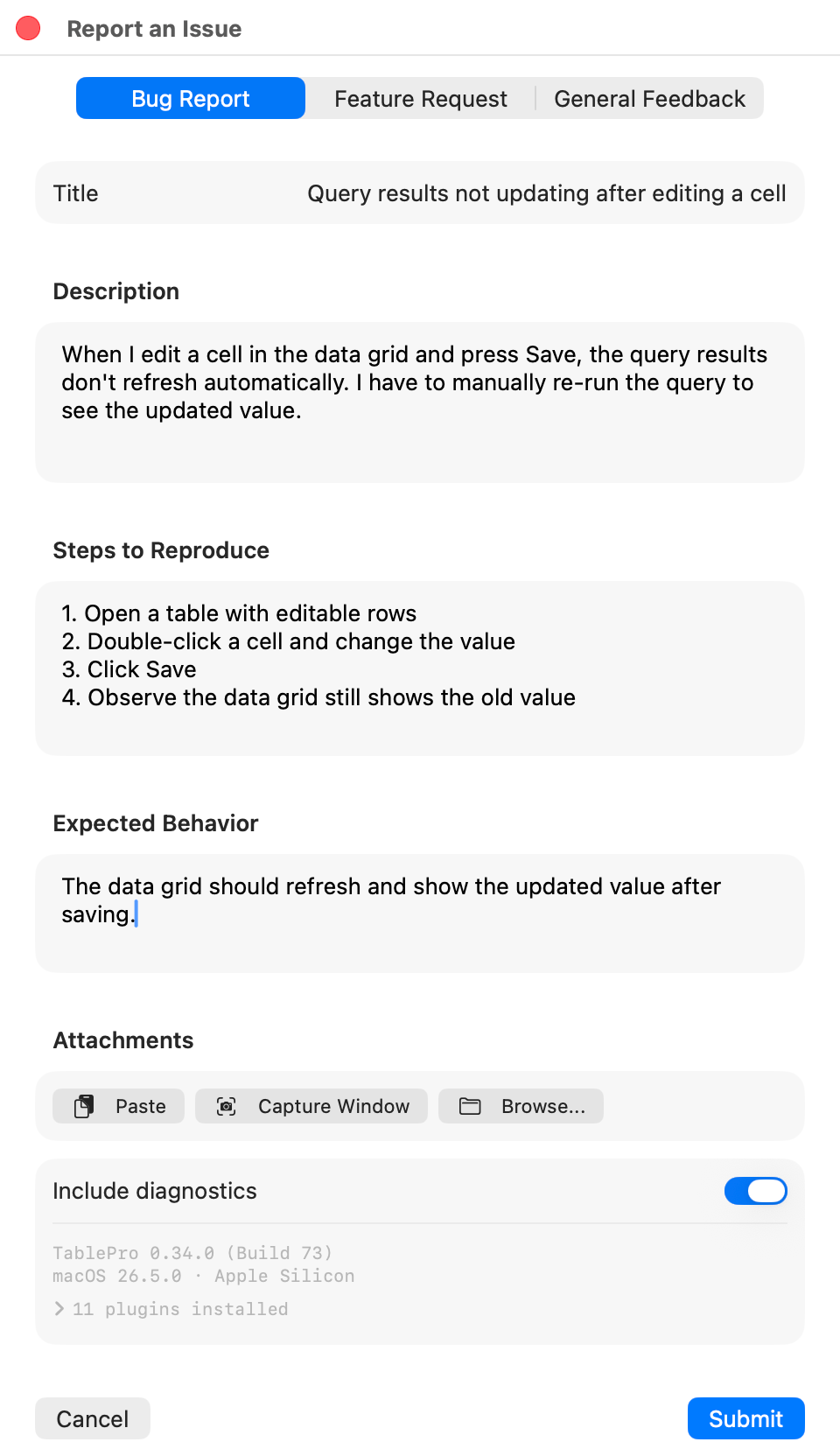
Feedback Types
The form has three modes, selectable via a segmented control at the top:- Bug Report - includes extra fields for steps to reproduce and expected behavior
- Feature Request - title and description only
- General Feedback - title and description only
Screenshots
Attach up to 5 images per submission. Four ways to add them:| Method | How |
|---|---|
| Paste | Click Paste to grab an image from the clipboard |
| Drag and drop | Drop image files anywhere on the form |
| Capture Window | Click Capture Window to screenshot the current TablePro window |
| Browse | Click Browse to pick files from Finder (PNG, JPEG, TIFF, BMP, GIF, HEIC) |
Diagnostics
The form auto-collects system info and attaches it to the submission:- App version and build number
- macOS version
- Architecture (Apple Silicon / Intel)
- Active database type (if connected)
- Installed plugins