> ## Documentation Index
> Fetch the complete documentation index at: https://docs.tablepro.app/llms.txt
> Use this file to discover all available pages before exploring further.
# Development Setup
> Get TablePro building on your machine in under 5 minutes
# Development Setup
## Prerequisites
| Software | Version | Notes |
| -------- | -------------- | ------------------ |
| macOS | 14.0+ (Sonoma) | Target platform |
| Xcode | 15.0+ | Includes Swift 5.9 |
Optional but recommended:
| Tool | Install | Purpose |
| ----------- | -------------------------- | -------------------------- |
| SwiftLint | `brew install swiftlint` | Linting |
| SwiftFormat | `brew install swiftformat` | Code formatting |
| GitHub CLI | `brew install gh` | Used by `download-libs.sh` |
## Quick Start
```bash theme={null}
git clone https://github.com/TableProApp/TablePro.git && cd TablePro
```
```bash theme={null}
scripts/download-libs.sh
```
This pulls pre-built `.a` files (libmariadb, libpq, etc.) from GitHub Releases into `Libs/`. Takes a few seconds.
Skipping this step causes linker errors. The static libraries are not checked into git.
```bash theme={null}
touch Secrets.xcconfig
```
Empty file is fine for development. Production builds use this for API keys.
```bash theme={null}
brew install swiftlint swiftformat
```
```bash theme={null}
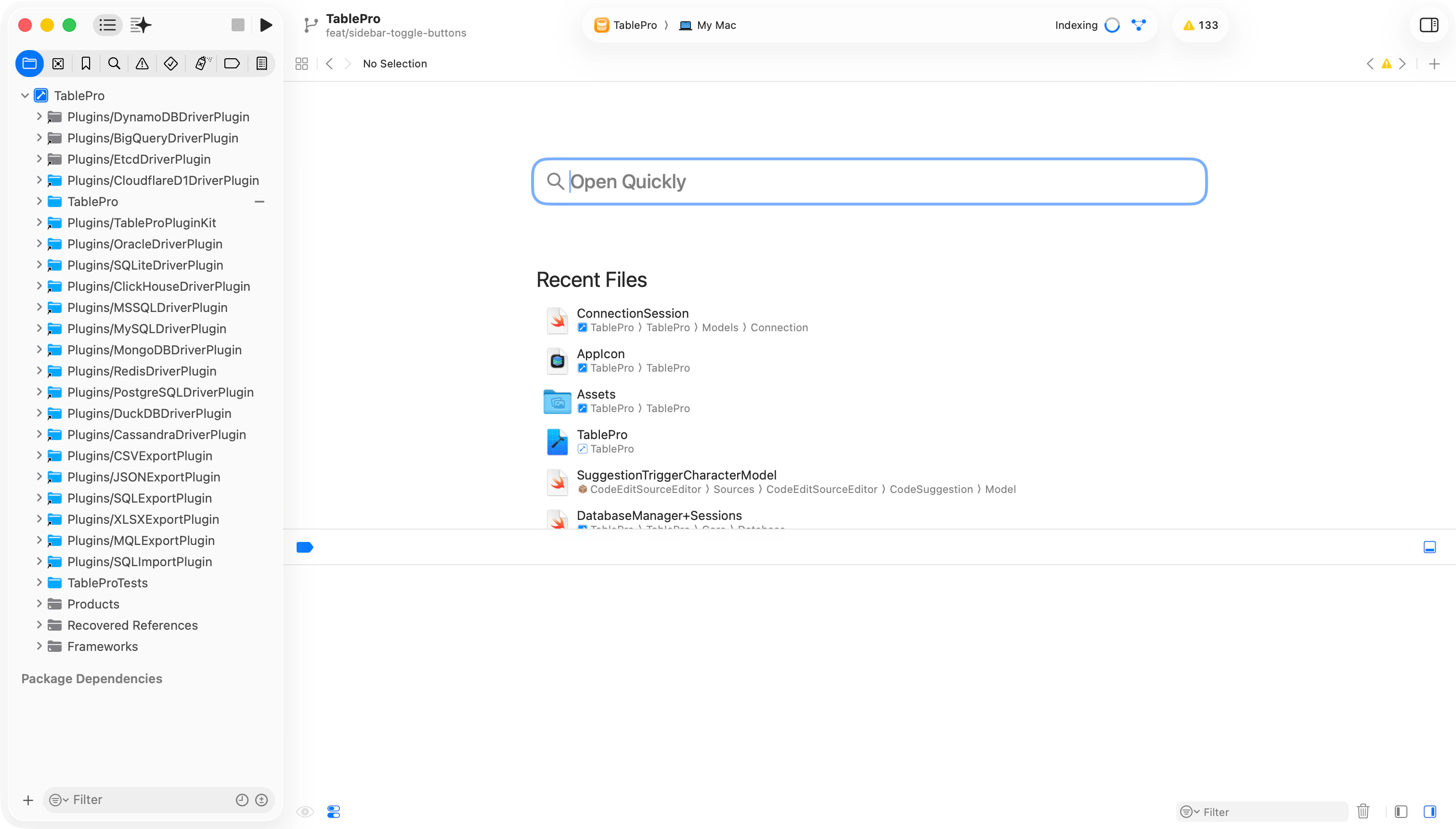
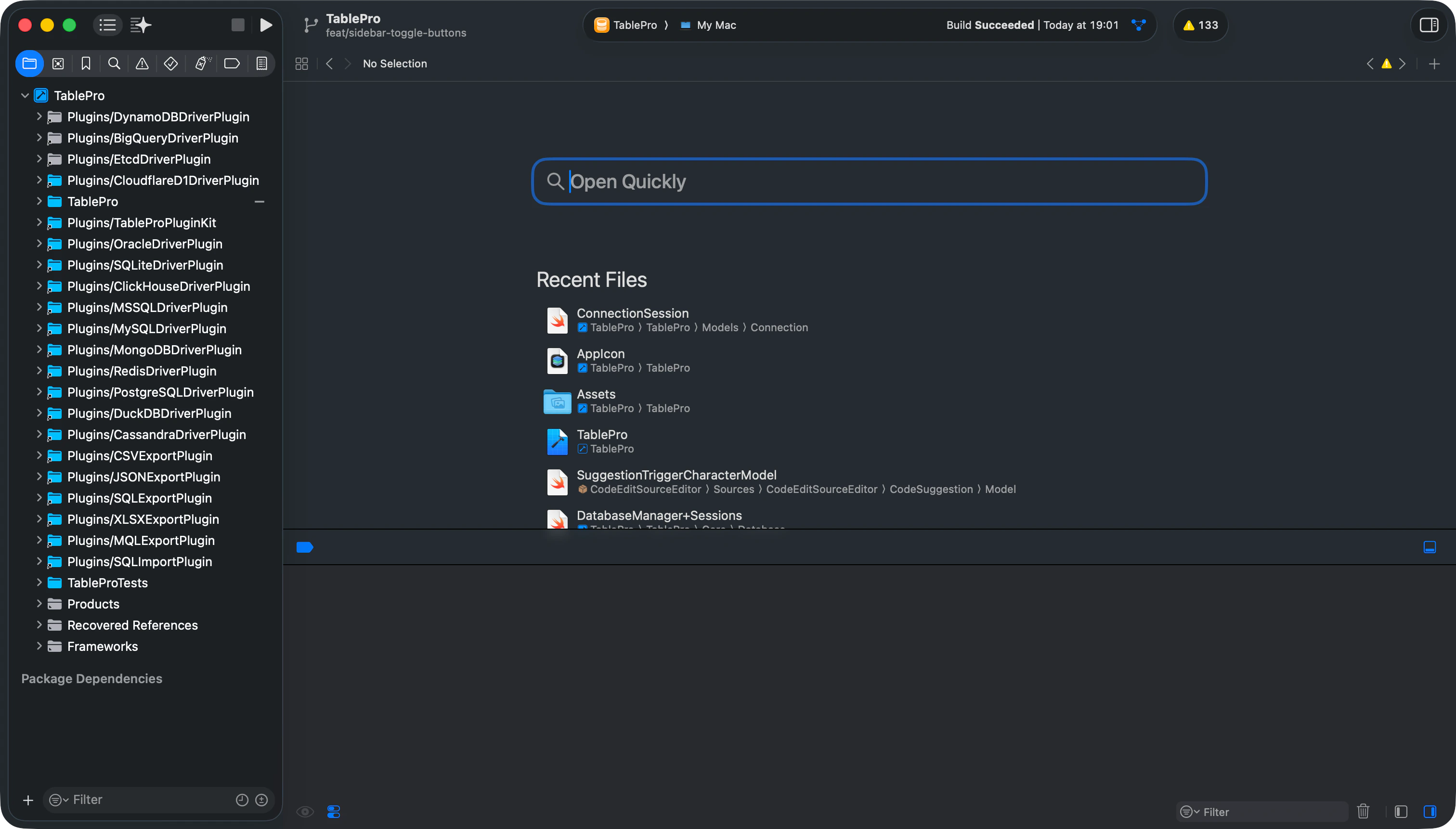
open TablePro.xcodeproj
```
1. Select the **TablePro** target
2. Go to **Signing & Capabilities**
3. Change **Team** to your Apple Developer account (free account works)
The Debug build leaves out the iCloud capability, so a free personal team
signs it without a paid Apple Developer Program membership. If you build a
target that still shows a team error (a driver plugin or the MCP server),
set its **Team** the same way.
Select the **TablePro** scheme, set destination to **My Mac**, press `Cmd+R`.
Or from the command line:
```bash theme={null}
xcodebuild -project TablePro.xcodeproj -scheme TablePro -configuration Debug build -skipPackagePluginValidation
```
The app only loads plugins signed by the same team as the app, so a plugin
you built separately will not install into a release build. To try one in
your local build, add it to the **Copy Plug-Ins** build phase of the
**TablePro** target and run, or set `TABLEPRO_ALLOW_UNSIGNED_PLUGINS=1` in
the scheme's environment to skip the signature check. Once it works, open a
PR so the official CI signs and ships it through the registry.
 ## Project Structure
## Running Tests
```bash theme={null}
# All tests
xcodebuild -project TablePro.xcodeproj -scheme TablePro test -skipPackagePluginValidation
# Specific test class
xcodebuild -project TablePro.xcodeproj -scheme TablePro test -skipPackagePluginValidation \
-only-testing:TableProTests/TestClassName
# Specific test method
xcodebuild -project TablePro.xcodeproj -scheme TablePro test -skipPackagePluginValidation \
-only-testing:TableProTests/TestClassName/testMethodName
```
Or in Xcode: `Cmd+U`.
## Linting and Formatting
```bash theme={null}
# Check for issues
swiftlint lint
# Auto-fix
swiftlint --fix
# Format all code
swiftformat .
```
Run `swiftlint --fix && swiftformat .` before committing.
## Troubleshooting
| Problem | Fix |
| ----------------------------------- | ------------------------------------------------------------------- |
| Linker errors about missing symbols | Run `scripts/download-libs.sh` |
| SPM resolution fails | Clean build folder (`Cmd+Shift+K`), reopen Xcode |
| Build fails after pulling | Delete derived data: `rm -rf ~/Library/Developer/Xcode/DerivedData` |
| Missing `Secrets.xcconfig` error | Run `touch Secrets.xcconfig` in project root |
| Code signing errors | Change Team in Signing & Capabilities |
The `-skipPackagePluginValidation` flag is required because CodeEditSourceEditor (an SPM dependency) bundles a SwiftLint plugin. Without this flag, CLI builds fail with a validation error.
## Project Structure
## Running Tests
```bash theme={null}
# All tests
xcodebuild -project TablePro.xcodeproj -scheme TablePro test -skipPackagePluginValidation
# Specific test class
xcodebuild -project TablePro.xcodeproj -scheme TablePro test -skipPackagePluginValidation \
-only-testing:TableProTests/TestClassName
# Specific test method
xcodebuild -project TablePro.xcodeproj -scheme TablePro test -skipPackagePluginValidation \
-only-testing:TableProTests/TestClassName/testMethodName
```
Or in Xcode: `Cmd+U`.
## Linting and Formatting
```bash theme={null}
# Check for issues
swiftlint lint
# Auto-fix
swiftlint --fix
# Format all code
swiftformat .
```
Run `swiftlint --fix && swiftformat .` before committing.
## Troubleshooting
| Problem | Fix |
| ----------------------------------- | ------------------------------------------------------------------- |
| Linker errors about missing symbols | Run `scripts/download-libs.sh` |
| SPM resolution fails | Clean build folder (`Cmd+Shift+K`), reopen Xcode |
| Build fails after pulling | Delete derived data: `rm -rf ~/Library/Developer/Xcode/DerivedData` |
| Missing `Secrets.xcconfig` error | Run `touch Secrets.xcconfig` in project root |
| Code signing errors | Change Team in Signing & Capabilities |
The `-skipPackagePluginValidation` flag is required because CodeEditSourceEditor (an SPM dependency) bundles a SwiftLint plugin. Without this flag, CLI builds fail with a validation error.